Journey map and information requirements
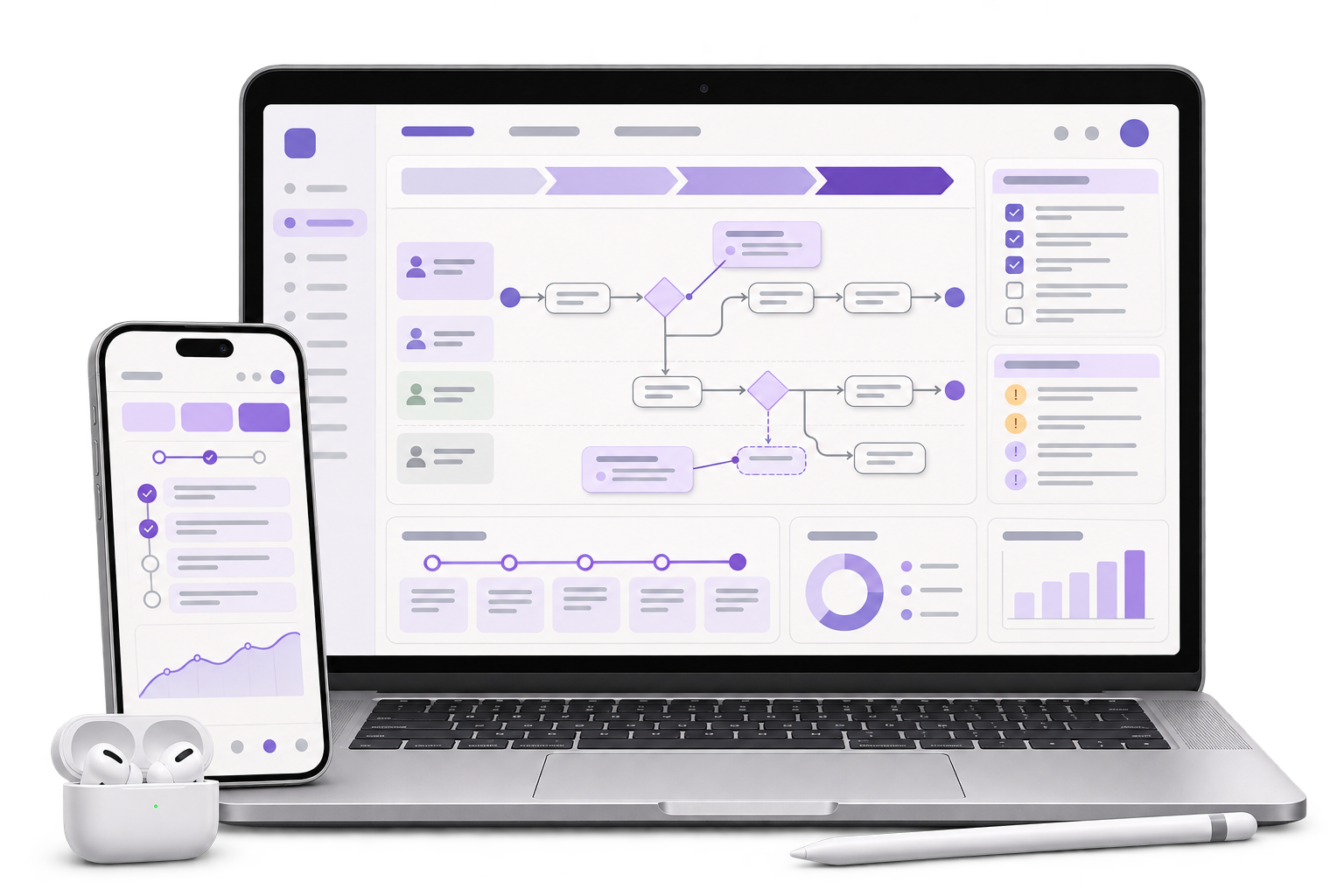
Map the decisions people make before departure and at the transfer. Specify which facilities, update times and contact routes the interface needs.

Help riders see where a journey is step-free, where information is missing and how to check the next leg before leaving.
See the route comparison test
01 / What we build
Map the decisions people make before departure and at the transfer. Specify which facilities, update times and contact routes the interface needs.
Show a verified trip, a trip with unknown status, and the same trip after a correction. Keep confirmation labels readable on narrow displays.
Specify status text, focus order and announcements when route data changes. Hand over a set of examples engineering can test with keyboard and screen readers.
City context, honestly stated
Delhi Metro Rail Corporation describes accessibility features such as ramps, tactile paths and lifts. This fictional route example is for a journey-planning team using its own approved data. GreyBath provides UI/UX design remotely.
A rider asks for a step-free journey. In a fictional example, option A takes 26 minutes but has an unknown transfer lift status. Option B takes 34 minutes and each leg was verified at 10:15. Present the extra eight minutes alongside the difference in certainty.
When a scheduled update fails, retain the stamp of the last verified report and label the current status unknown. Put the warning next to the interchange step and expose it in the screen reader order.
Show the check-this-route action, then offer the verified alternative. Let the rider return to the original origin and destination without starting a new search.
Where it fits
Include riders who use step-free routes and the editor responsible for the status messages. Observe how each person checks the same trip.
Choose the journey and decide who can approve facts before they are visible to riders.
Confirm where facility data comes from and how stale or missing information is marked.
Compare two possible trips and check whether the available information supports a decision.
Use the states to scope data integrations and the help path when details are unavailable.
How we work
Break one example into entrance, platform, transfer and exit. Record what the rider needs to check at each stage.
Have the rider compare the 26- and 34-minute trips. Ask which step is unresolved and where they would check it.
Change the transfer status while the route is open. Check that the selection remains clear and the warning is available by keyboard and screen reader.
Scope the prototype to two fictional routes and their critical steps. The project owner is responsible for data permission, accessibility facts and updates to facility information.
Discuss your projectAgree which entrances, lifts and transfers have evidence and how often the source refreshes.
Set the expiry rule for a confirmation and name the team that reviews failures.
Test the interface with users and coordinate any statements about actual route access with the data owner.
The interface can display supported and verified route information. A project owner must maintain the underlying facility data and decide what can be confirmed.
Show the last verified update and keep the current status as unknown until a reliable update arrives.
Start with clearly marked sample records. Live data integration can be scoped when the source and update rules are agreed.
Ask a rider to identify the affected transfer and explain their next step without prompting. Repeat with a screen reader and on mobile.
Bring one route, a known data gap and the team responsible for correcting a facility update.
Start with an entrance, an interchange and an exit.