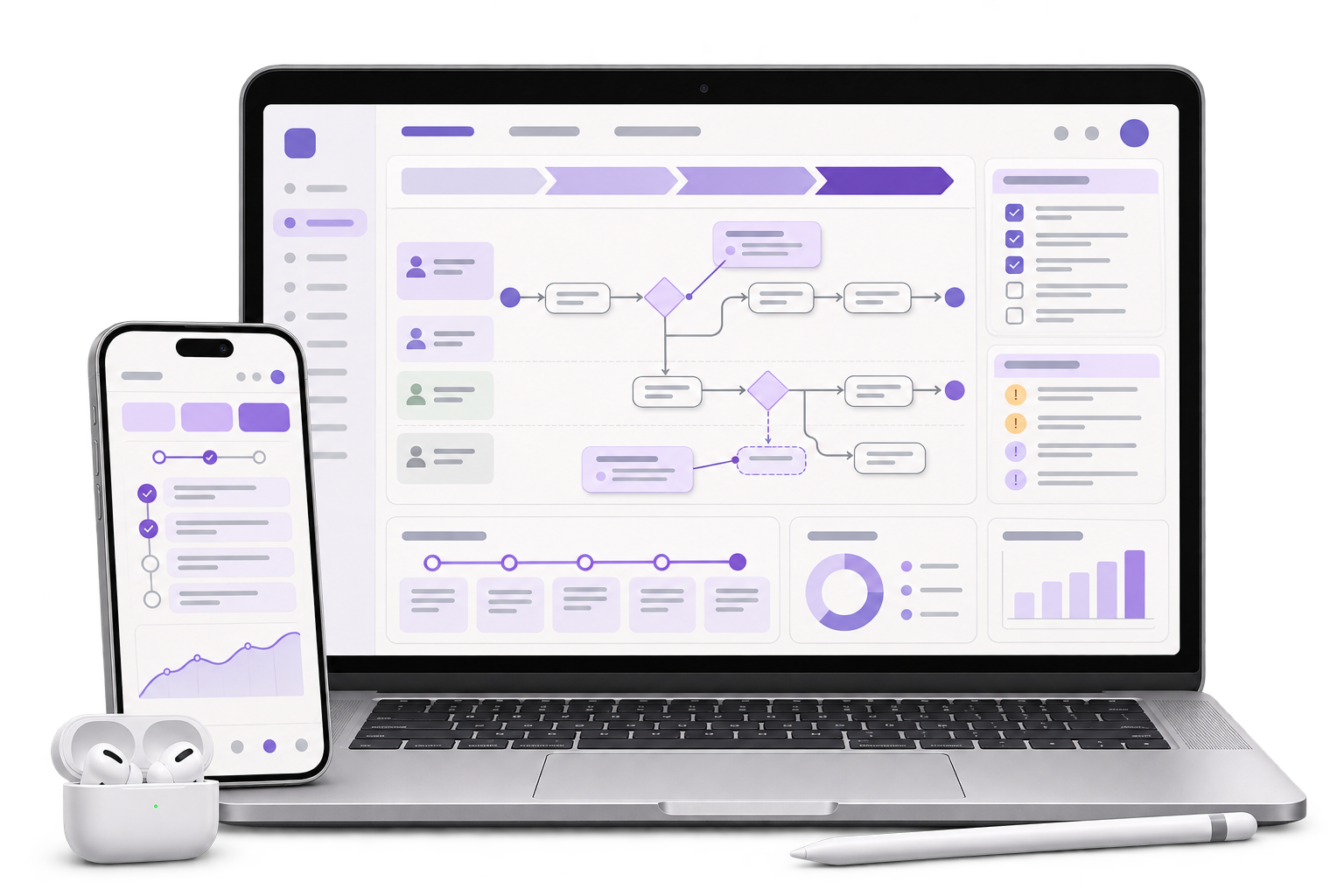
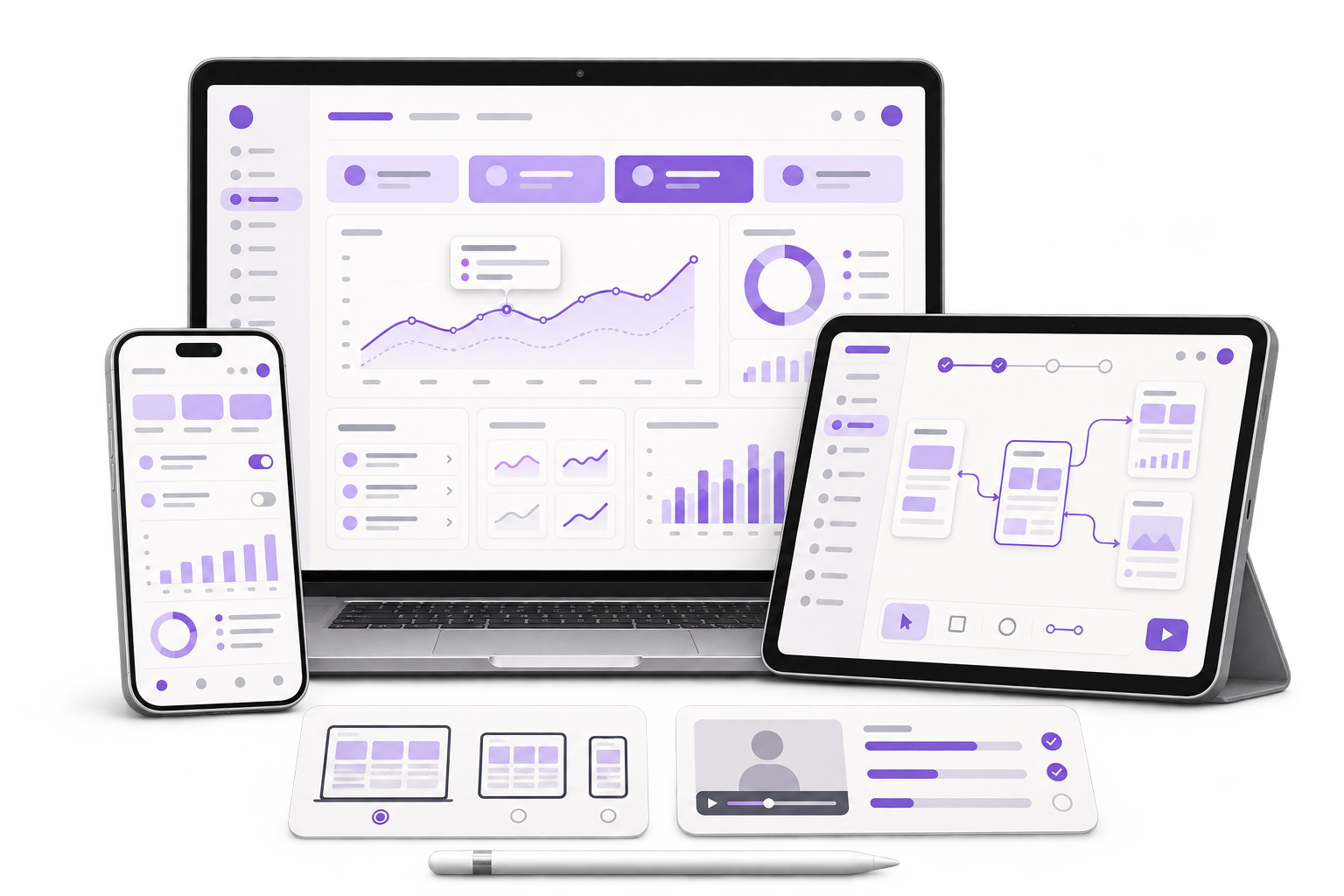
Fast capture with request-specific choices
Design a short form for the event, item, promised reply and visitor’s contact choice. Show staff which fields can be skipped for an anonymous request.

Keep track of which brochure, quote or demo each visitor asked for. Help the next shift find the request and see who will reply.
See the exhibition handover example
01 / What we build
Design a short form for the event, item, promised reply and visitor’s contact choice. Show staff which fields can be skipped for an anonymous request.
Build a queue for the next shift. Keep local and confirmed state clear and use a stable request reference so a retry does not create a second task.
Map confirmed requests to the approved system fields, with the original product and follow-up details. Prepare a pilot release on representative staff phones.
City context, honestly stated
The India Trade Promotion Organisation hosts trade exhibitions at Bharat Mandapam in New Delhi. In this fictional exhibition, an equipment supplier’s stand changes staff after lunch. GreyBath provides mobile app development remotely.
A visitor at Booth B12 asks for a brochure about a tabletop sealer. Record the item, the requested action and the contact channel they choose. Keep an explicit choice for someone who wants a paper brochure and leaves without sharing a contact detail.
Later the same visitor asks for a separate demo on a larger machine. In the example, one buyer record now has two request IDs, one for the brochure and one for the demo. Keep the two product interests and assigned owners visible when the afternoon shift takes over.
The demo request was saved while the booth phone was offline. Mark it as pending on the device and show a receipt after upload. The team reviews the requested action and the visitor’s stated contact preference before a sales owner receives it.
Where it fits
Invite one person from each booth shift and the sales coordinator who receives requests after the event.
Log the item and promised action quickly, and record the visitor’s contact preference only when it is relevant to the request.
Review requests waiting on the phone and assign unowned follow-ups before handing over the stand.
Check the request and stated contact choice, then assign the correct team for a quote, brochure or demo.
Prepare event fields and staff access, manage approved devices and agree what records the team needs to retain.
How we work
Record a brochure request and a demo request. Ask a reviewer to find both against the same visitor and explain who should follow up on each one.
Save the demo request offline, switch staff accounts on an approved test phone and reconnect. Check the request status and confirm it appears once in the reviewer’s queue.
Leave the contact blank for an information-only conversation. Confirm the item count can be retained without adding a person to the reply queue.
Test one event, one booth and two shifts before linking more sales tools. The exhibitor approves its notice and contact choices, staff access and record retention.
Discuss your projectAsk the exhibitor which information is needed for each action. Include an option for a visitor to take material without sharing their details.
Check which devices move between shifts and what staff can see before sign-in. Decide how the app handles a record awaiting upload and who can retry it.
Choose where a request becomes a sales task. Agree who checks contact preference, assigns an owner and closes the task.
Ask what the visitor has requested and which channel they want you to use. Design the scan, if the event supports it, as one way to fill contact fields.
Yes. Attach separate requests to the same visitor record, so each item has a next step, an owner and a status.
Test the target phones at the event if possible. In the pilot, use the app without a network and check that staff can distinguish saved records from confirmed uploads.
Yes, where the system supports the needed fields and access. Start with a mock export to agree how items, preferences and task ownership should arrive.
Bring two sample requests, your current handover method and a list of the staff phones expected at the stand.
Use two requests from the same visitor