Technical catalogues and capability pages
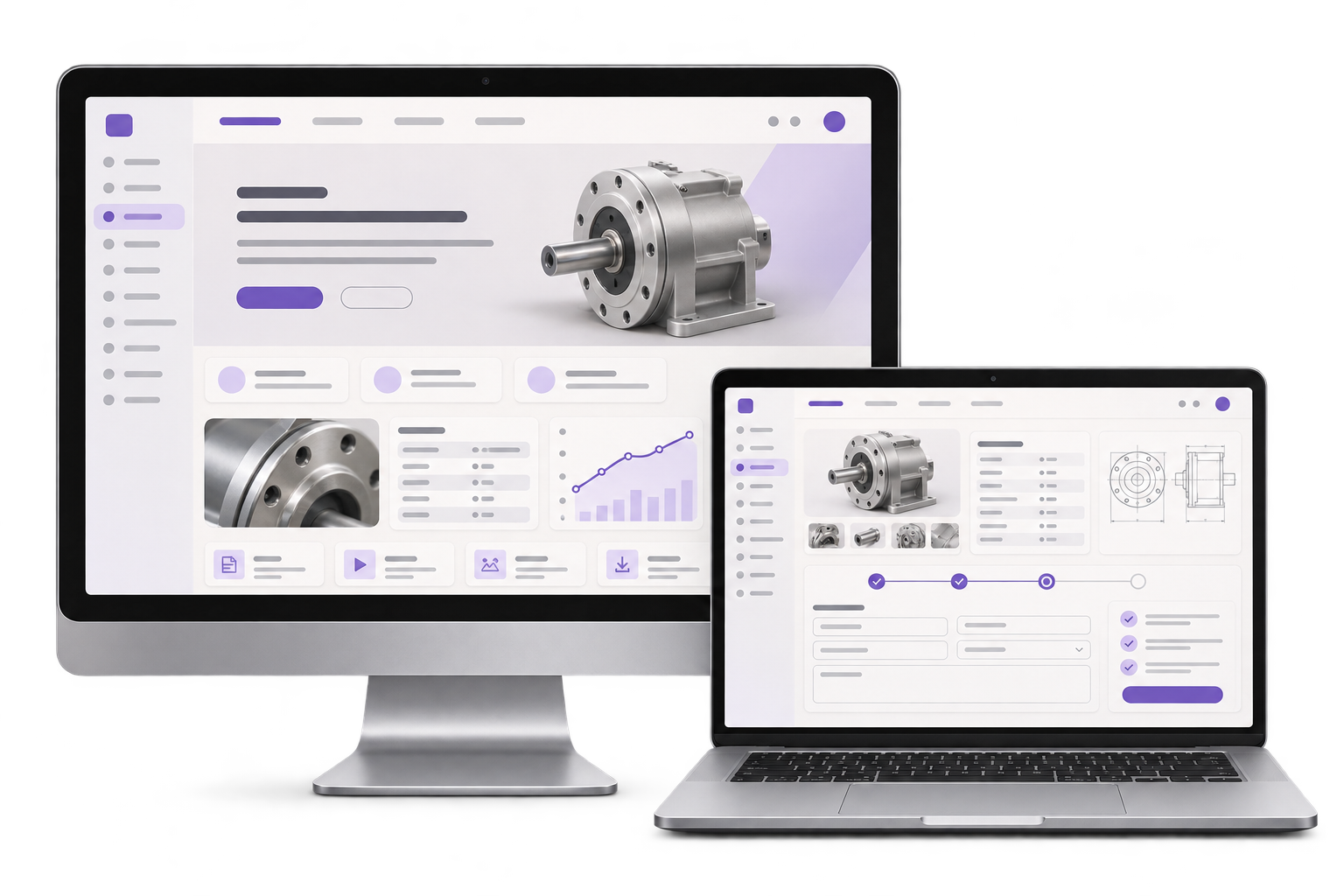
Organise parts and processes by application, materials or capability. Show current specifications, approved evidence and a quote action near the relevant details.

GreyBath designs and develops business websites for Thane companies, including equipment makers, fabricators and component suppliers. Help buyers find your services, see current specifications and send enquiries or drawings to the right team.
See the website scope
01 / What we build
Organise parts and processes by application, materials or capability. Show current specifications, approved evidence and a quote action near the relevant details.
Show revision and effective date for approved public sheets. Agree where superseded documents go and which files stay available on request.
Collect the part or capability, quantity, application and agreed attachments. Route the submission to the right team and acknowledge receipt with a reference.
City context, honestly stated
For a supplier in Thane’s Wagle Estate, buyers may need to assess materials, tolerances or machinery before speaking to sales. We use the evidence your team can publish and agree workshops, reviews and handover around the project.
The Asian Plastowares product catalogue website credits GreyBath Technology for website design and maintenance. Its public catalogue shows how buyers can browse product families and reach the relevant product pages.
Give standard parts and made-to-drawing work distinct paths, with a clear next step for each.
Suppose a Wagle Estate supplier approves revision C of a bracket datasheet after a tolerance changes. A buyer follows a bookmark for revision B. Where revision C supersedes it for the same part, send the buyer to the current product page and label the approved revision and date next to the PDF. Keep revision B available to the technical team for traceability. If the buyer still needs the older fit, carry the part number and requested revision into the enquiry and send it to engineering for a compatibility check.
Assign an owner for drawings that do not clearly match a product family or process.
Where it fits
Start with the product family or service line where buyers most often ask for the same drawings, specifications or capability details.
Make product variants, dimensions and compatible applications easier to evaluate before a buyer contacts sales.
Explain processes, materials and tolerances with approved examples and an enquiry route for work that needs a drawing review.
Help buyers find a current datasheet and ask about the right part, configuration or replacement option.
Give reviewers control of what is public, when it changes and who answers specification questions.
How we work
Review one standard part and one enquiry that needs engineering input. Agree the evidence required for each.
Prototype the public page, approved datasheet and form alongside the sales or engineering review queue.
Publish a newer approved datasheet for a sample part, then submit a quote request with a drawing. Confirm the buyer sees the new revision, the assigned reviewer can open the drawing and an unmatched enquiry lands in the fallback queue.
For a company website, agree the service pages, project examples, who edits them and where mobile enquiries go. A catalogue adds decisions about product data, files and engineering review.
Discuss your projectBefore launch, have your team edit a service page in the content management system, follow a sample enquiry from a phone to the agreed inbox or CRM, and check any replaced URLs. Agree who owns the domain, hosting and site access.
Part families, capability categories, filters, approved evidence and existing URLs to retain or redirect.
Allowed file types, upload limits, reviewer access, retention and which drawings need a separate exchange.
Ownership by product or process, acknowledgement, fallback queues and how to measure qualified enquiries.
Yes. Start with your services, approved work examples and one enquiry path. We can scope an editable website and test that buyers can find a service and reach the right team on a phone. Catalogue or drawing uploads can be added when the buying process needs them.
Yes. Agree which datasheets can be public and keep sensitive drawings in an access-controlled workflow with named reviewers.
The CMS can separate editing from approval. We agree who can publish, which revision fields appear and how superseded files are handled.
It can go to a named fallback queue with its original details and attachment reference. The reviewer then assigns the right sales or technical owner.
We review current URLs before a rebuild and retain them where useful. If a page moves, we agree its closest replacement and test the redirect.
Yes. A pilot can cover one product family and its enquiry workflow before the remaining approved content is migrated.
Where do technical enquiries get stuck?