Technician app for assigned visits
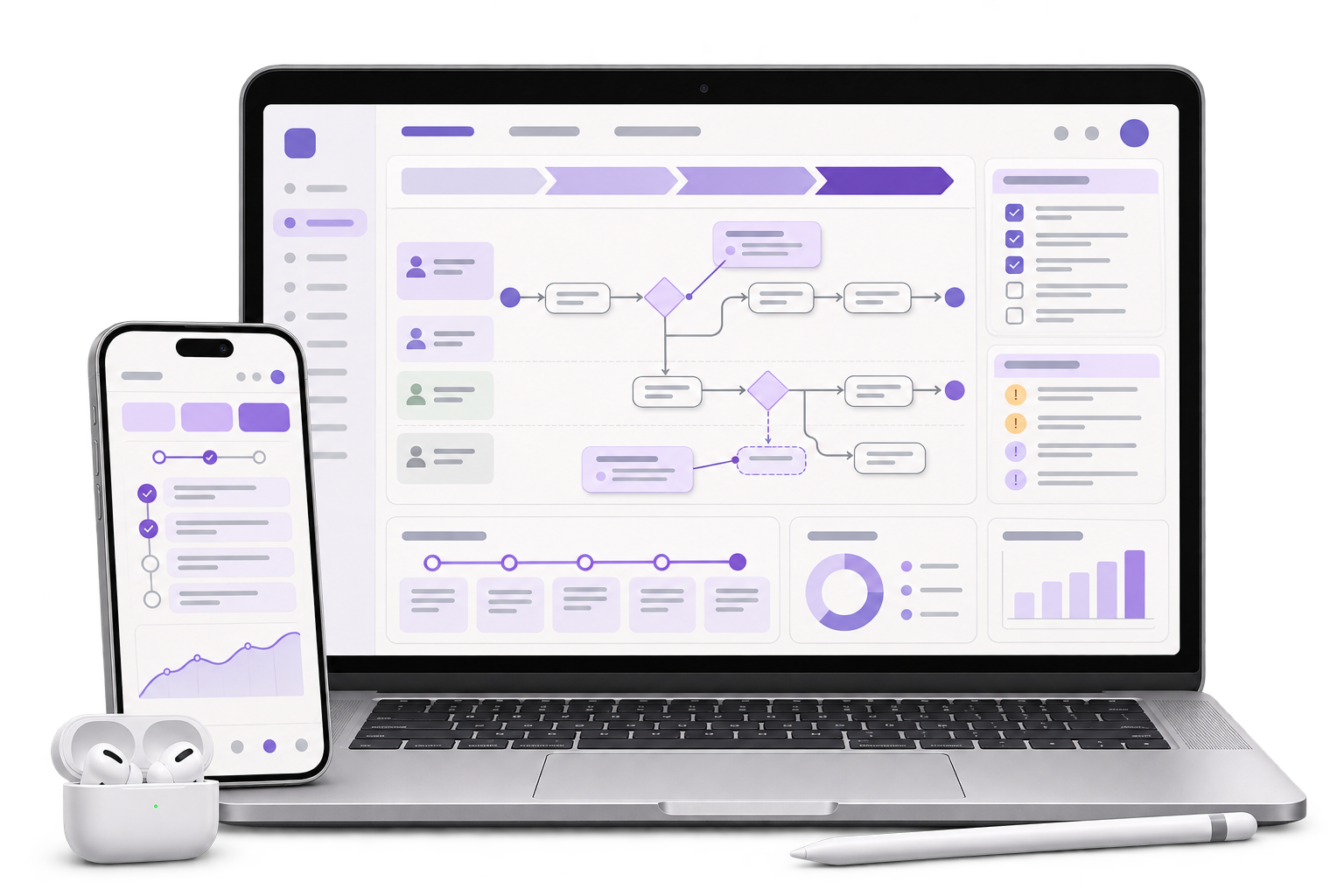
Make assigned work, instructions and relevant asset details available in the agreed offline window. Capture checklist responses, parts used and approved evidence.

GreyBath designs field service apps for Thane equipment service and maintenance teams. Give technicians one work order for the visit, parts, evidence and customer sign-off, while dispatch can see what still needs review.
Explore the field app scope
01 / What we build
Make assigned work, instructions and relevant asset details available in the agreed offline window. Capture checklist responses, parts used and approved evidence.
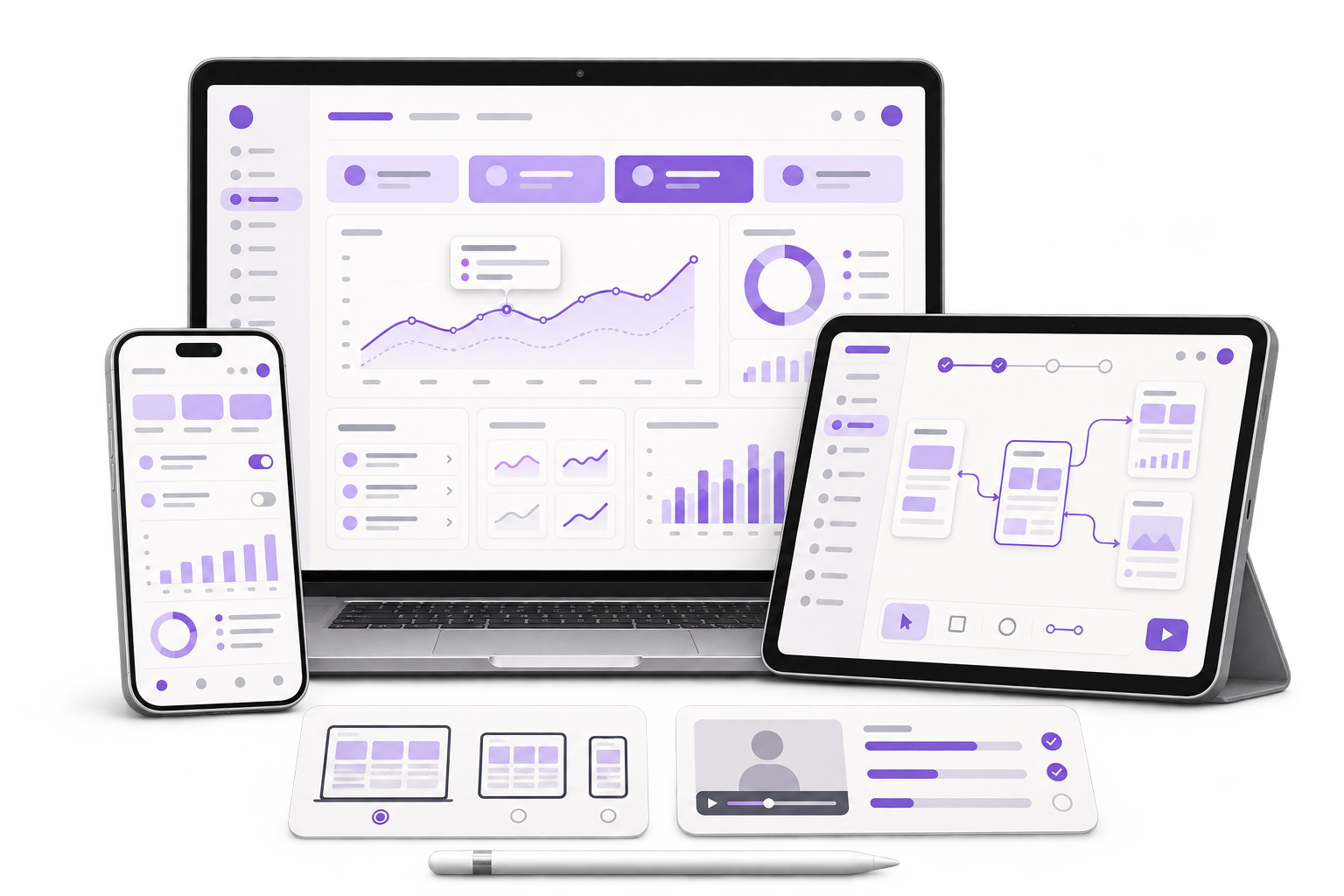
Show delayed visits, parts awaiting approval and incomplete proof on the same work order so dispatch can assign the next action.
Agree which system owns work orders, stock and invoices. Preserve the job reference when evidence syncs and flag records that need review.
City context, honestly stated
Service teams can move from a dispatch desk in Thane to customer workshops and plant rooms where reception is intermittent. Scope a pilot around those device and connectivity conditions with the people who assign, perform and approve the work.
Show the assigned visit, asset identifier and relevant service history before the technician starts.
Show which parts were used, who can approve a substitution and what remains pending.
Suppose a technician dispatched from Thane services a pump in a plant room with no reception. They complete the checklist, record a substitute part and collect the customer’s sign-off. On the device, the job shows that evidence is waiting to sync. After reconnecting, the dispatcher sees the photo and signature on the original work order. The substitute part stays in the supervisor’s queue, and billing stays on hold until review. In the pilot, retry an interrupted upload and check that dispatch sees one completion and can tell which decision still prevents billing.
Where it fits
A useful first version covers a defined type of visit with the actual dispatch, technician and approval roles.
Give technicians the correct asset details, checklist and parts history for the job assigned to them.
Capture work and signed proof in the agreed format so supervisors can verify what was completed.
See jobs with pending sync, missing sign-off or parts requiring approval, with an owner for each exception.
Link approved proof to the work order so the team can decide whether it is ready for billing.
How we work
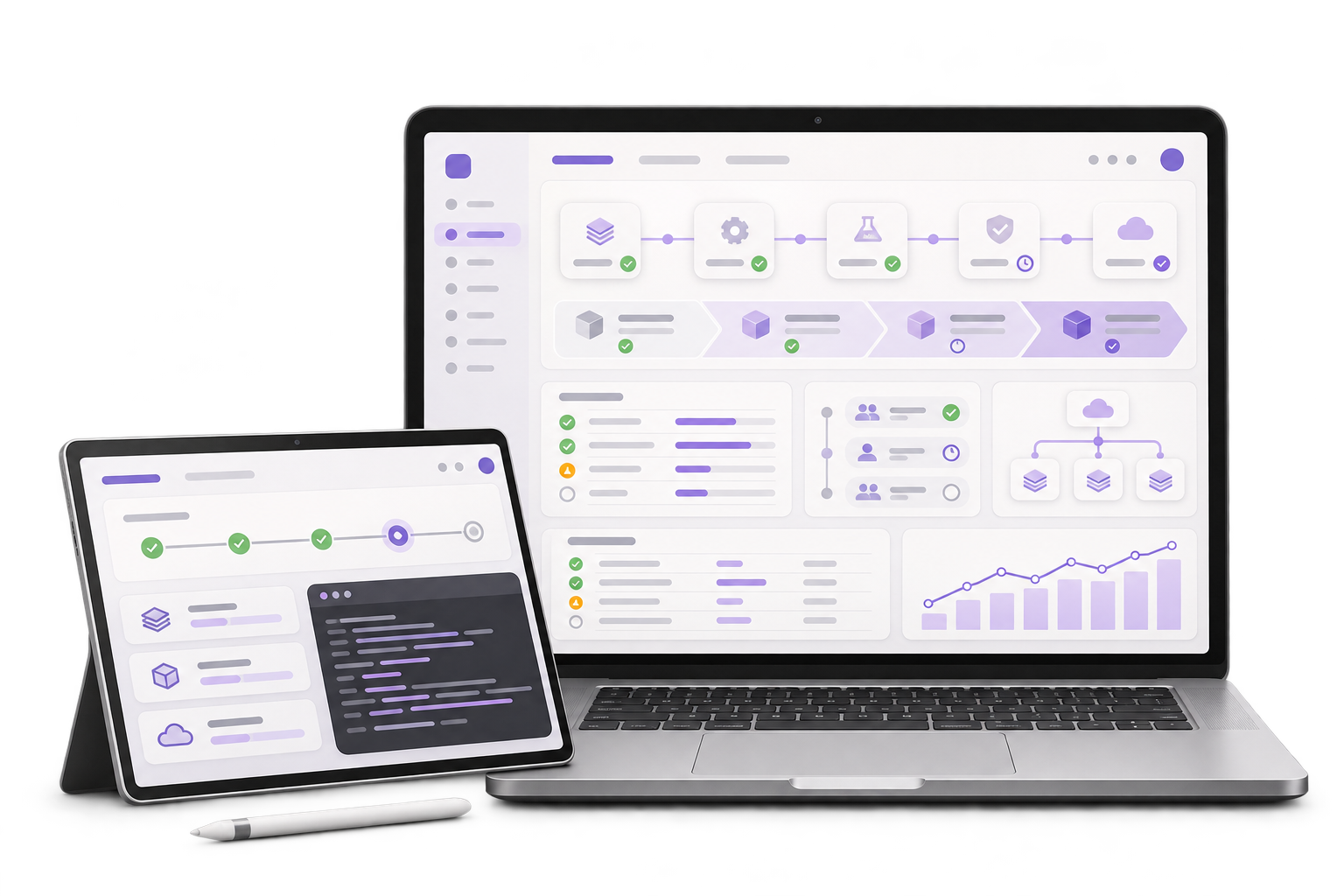
Follow assignment, arrival, work, parts approval and completion using a sample job and approved evidence.
Test the technician screens on the devices used in the field. Agree what queues and what needs a live approval.
Complete a sample visit offline with a checklist, photo and customer sign-off. Reconnect during upload and retry. Verify one completion appears against the original job and an unapproved part remains visible to the supervisor before billing.
The proposal depends on work-order rules, the devices your team uses, offline duration, proof requirements and the APIs or exports your existing systems support.
Discuss your projectAssignments, job status, part substitutions, customer sign-off and who can release a held job.
What can be stored locally, attachment limits, sign-off requirements, access, retention and handling a lost device.
Work-order and parts system ownership, sync conflicts, device distribution, pilot group and support.
Selected steps can work offline on agreed devices. The pilot verifies which job details are cached, how evidence is queued and which approvals still require connectivity.
The work order can distinguish locally captured evidence from evidence received by the server. Missing or failed uploads stay visible for follow-up.
The technician can record the substitution. The agreed supervisor or stock owner reviews it before the job is cleared for billing.
Where suitable interfaces and identifiers exist, we test an assigned job and return its completion details to the agreed record. The pilot verifies ownership and conflict handling.
Yes. Choose one job type and a small pilot group so dispatch, technicians and supervisors can verify real device and connectivity conditions before widening rollout.
Does a visit still end in a paper job sheet?