Gift eligibility and checkout copy
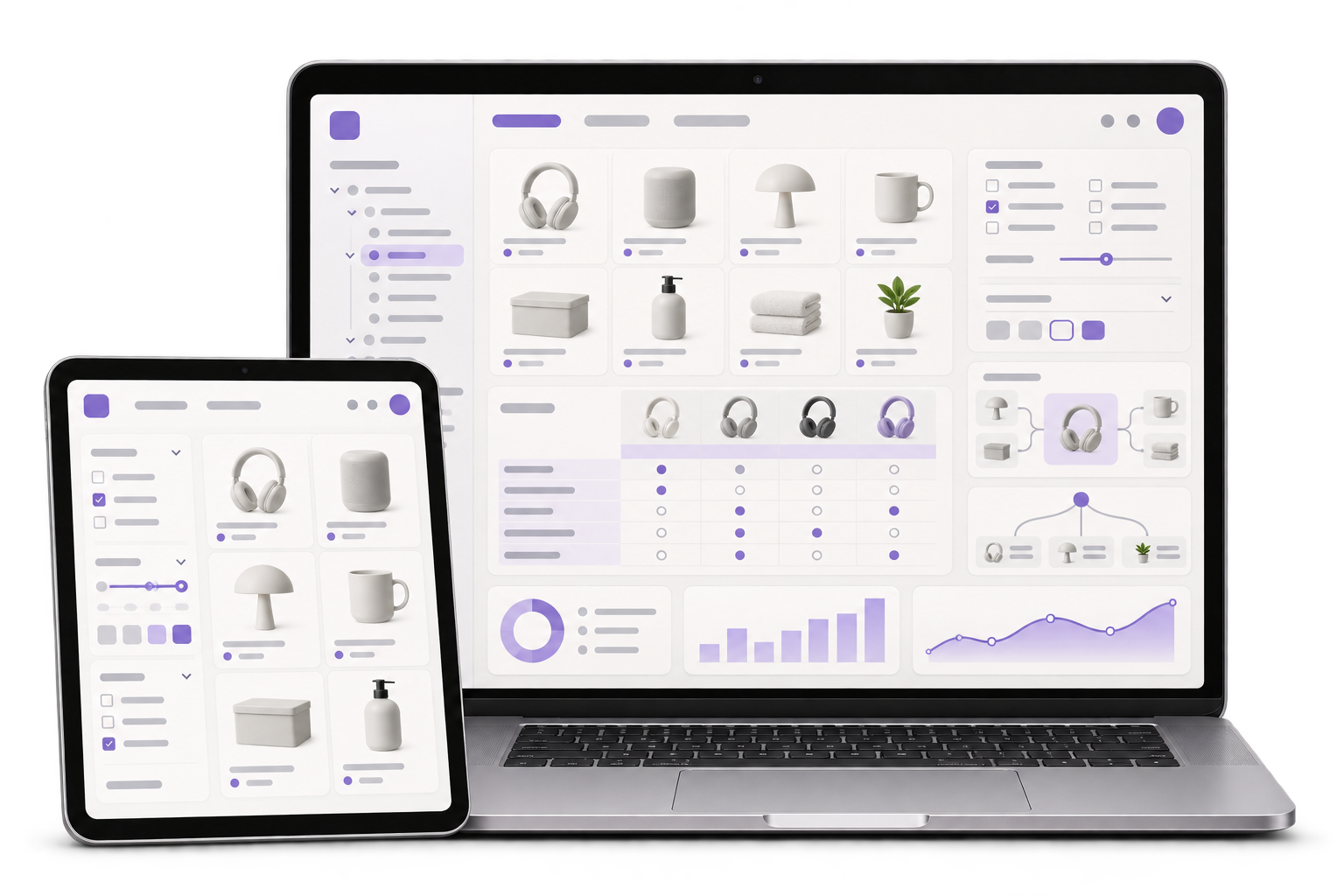
Define eligible catalogue items, when to ask for recipient details and what checkout says about messages and delivery updates. Build a preview so the buyer can catch a mixed-up contact before placing the order.

When a customer sends a Dhokra décor piece as a gift, the buyer needs an order receipt and the delivery recipient needs the parcel. GreyBath builds checkout, packing and order updates that give each person the right information and help staff review changes to an order before dispatch.
Explore the gift-order workflow
01 / What we build
Define eligible catalogue items, when to ask for recipient details and what checkout says about messages and delivery updates. Build a preview so the buyer can catch a mixed-up contact before placing the order.
Map each approved order field to its document and recipient. Test an ordinary order and a gift order with invented contacts, including the printable view staff use at the bench.
Record what changed, who approved it and which label version can be used. Define the buyer update and the staff review required when a printed label needs replacing.
City context, honestly stated
Bastar district describes Dhokra as a local handicraft and lists Jagdalpur as the district headquarters. The example follows a fictional Jagdalpur seller with an online range of Dhokra décor. GreyBath delivers remotely. The seller decides which items can be gifted and approves the information that appears on each order document.
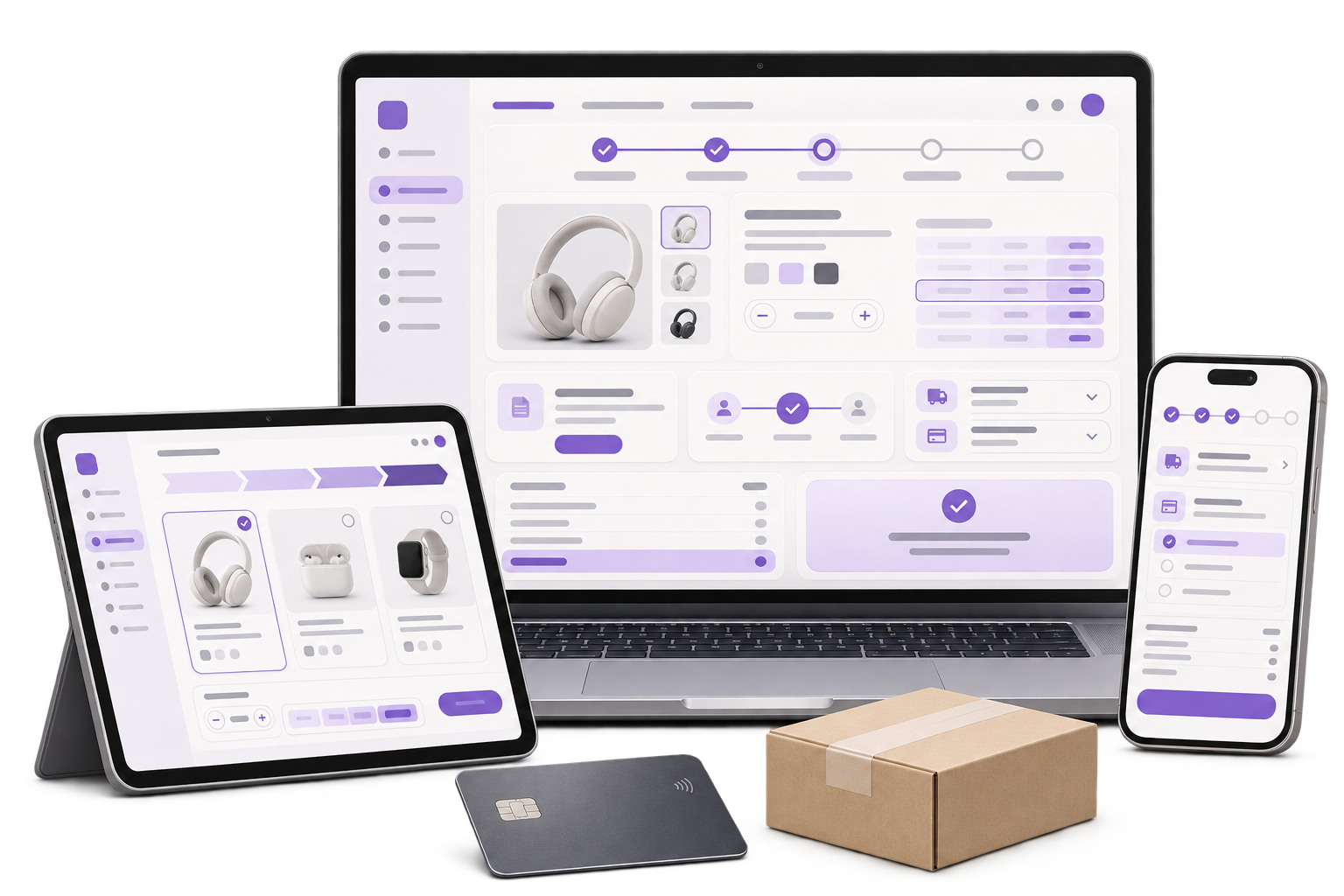
In sample order G17, a purchaser buys one décor piece, enters a different delivery name and adds a gift message. Show a checkout review with clearly labelled buyer and delivery sections. Send the order receipt to the purchaser, make the approved message available for packing and ask for the recipient contact details required for delivery.
Give packing staff a preview of the gift note and packing slip, with a separate view for the shipping label. If the shop chooses a price-free gift note, apply that choice to the note and keep the seller’s approved invoice and required shipping documents on their normal paths. Record which output staff printed so a replacement can be identified.
The purchaser asks to correct the recipient name after the label for G17 is printed. Route the change to the person who checks whether the parcel is still on site and whether the carrier can issue a replacement. When the correction is approved, mark the old label as superseded and require a scan or staff check of the replacement before dispatch. If the parcel has already left, show the buyer who is reviewing the request.
Where it fits
Start with a shop owner, a support person and the colleague who packs or hands parcels to the carrier. Walk through one order as each role to see where buyer and recipient information are being mixed.
Choose the gift options, supported items and promises the shop can meet.
Maintain accurate checkout fields, gift message rules and catalogue eligibility.
Use the correct slip, note and label for each parcel.
Review delivery corrections and tell the purchaser which action is possible.
How we work
Use dummy contacts to map checkout, the buyer email and each packing output. Check whether staff can identify which version belongs to the parcel.
Change the recipient name on a dummy order after its test label prints. Check whether the packing team sees the hold and can identify the replacement before dispatch.
Try the same request after handover. Check that the store records the request, shows who is reviewing it and keeps the shipped label history intact.
The build covers an agreed checkout and packing workflow for a test order. The seller approves pricing, invoice content, gift handling and the customer notice. Confirm whether the carrier supports a label replacement and whether the store platform can restrict edits by staff role before committing to automation.
Discuss your projectDecide which contact can view the receipt, receive delivery updates or request a correction. Give packing staff the fields they need to complete their task.
List each document, its source system and its approved contents. Confirm who can reprint a note or request a new shipping label.
Define what happens before printing, after printing and after handover to the carrier. Agree the staff route and buyer message for each case.
Check whether your platform can retain the message against the order and show it at packing. If it can, one message field and a tested packing view may be enough.
A shop can specify what appears on its separate gift note. Keep required invoice, accounting and carrier documents on their approved paths and review the resulting parcel documents before launch.
Keep the two roles distinct in the record and let the buyer verify each field. Decide which updates each role receives under your delivery and store policies.
The store can record the request and route it for review. Any change to a parcel already in transit depends on the carrier and dispatch arrangements.
Bring a fictional gift order, the document names it produces and the step at which a staff member needs to intervene. Use invented contacts and addresses.
A gift is packed and the recipient name changes. Who checks the label?