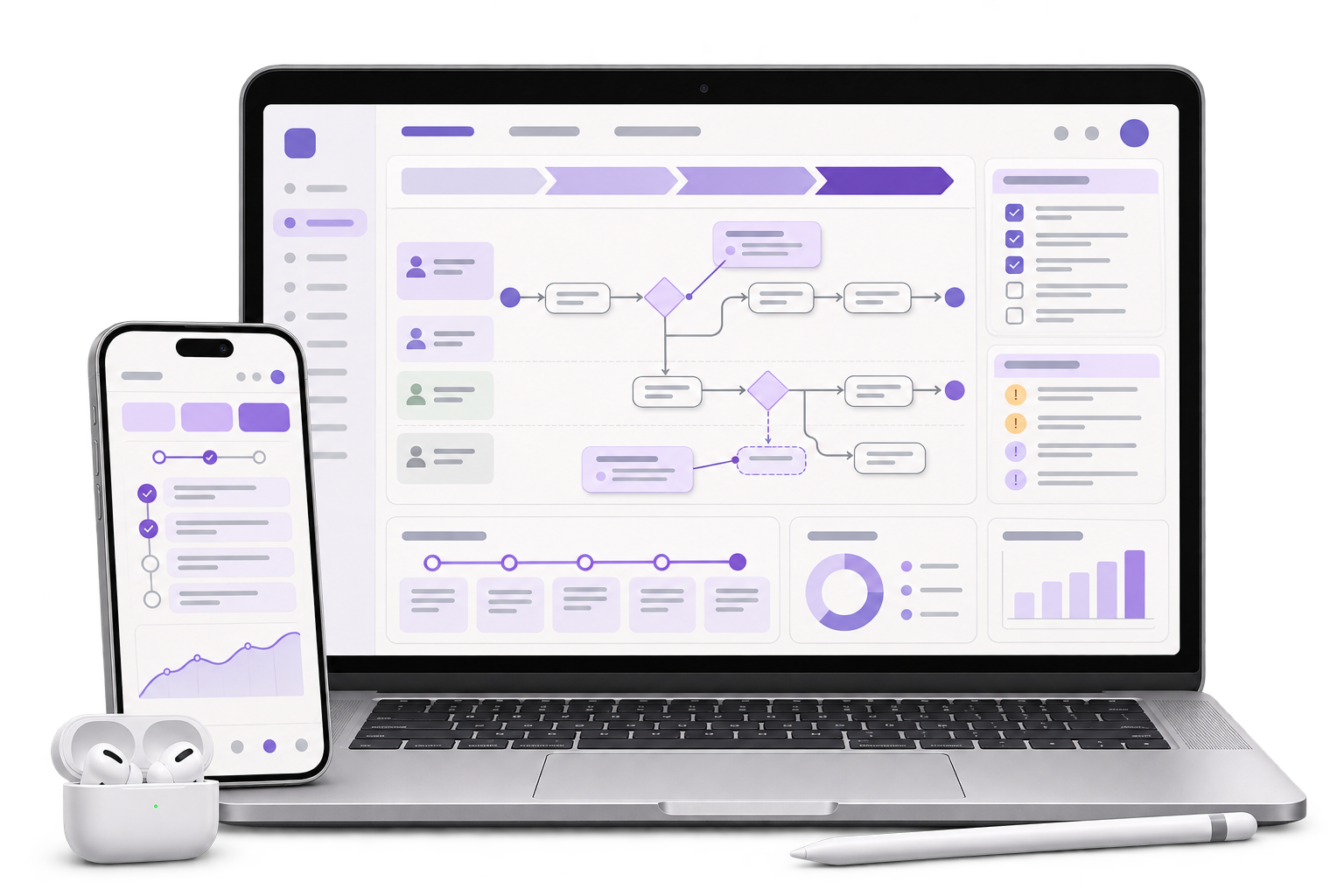
Panel and role map
Trace who opens the review, who can respond to a comment and who sends a proof to a supplier. Record the panel naming the team already uses.

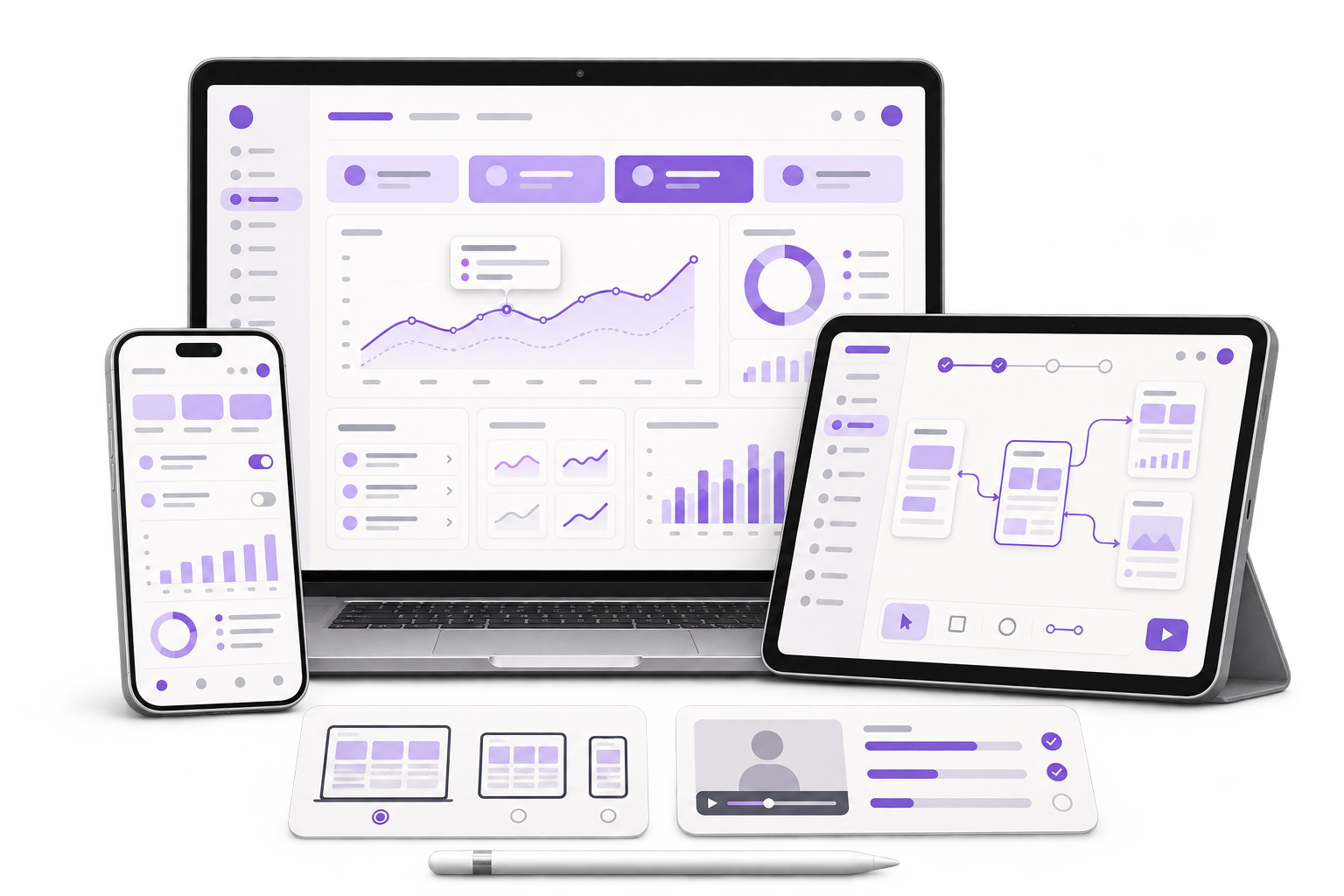
Keep a design comment attached to the carton panel and proof where it was raised. Let the next reviewer see what changed and who needs to accept it.
See a carton proof review
01 / What we build
Trace who opens the review, who can respond to a comment and who sends a proof to a supplier. Record the panel naming the team already uses.
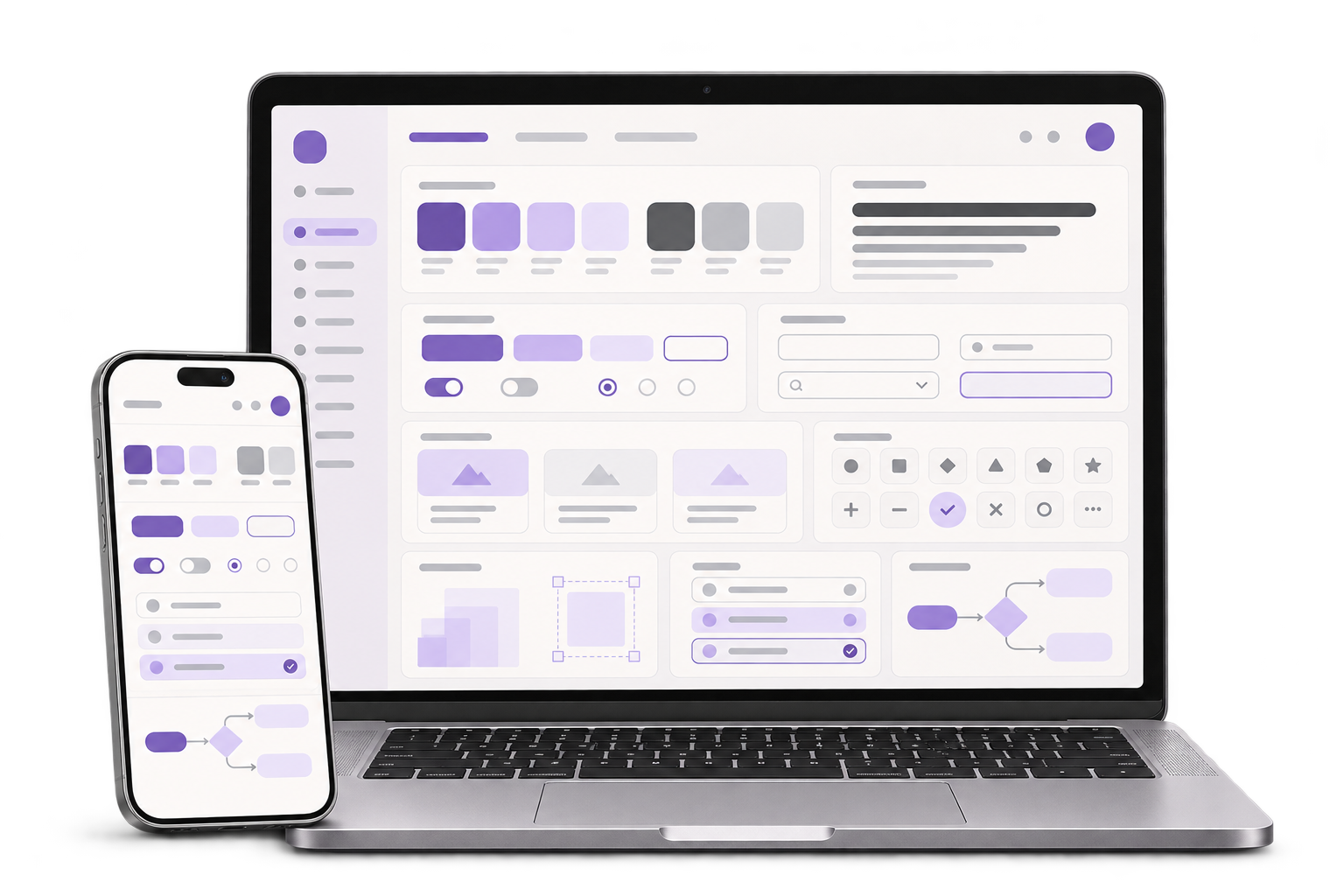
Prototype the annotated flat carton and a text list of comments. Provide a keyboard path to switch proofs, open a panel comment and locate the revised artwork in context.
Design labelled states for comments, responses and supplier preview versions. Distinguish an accepted comment from the handoff status for the entire proof.
City context, honestly stated
The Telangana government’s life sciences overview includes Hyderabad and describes pharmaceutical manufacturing in the region. This fictional example follows one carton proof through design review and a supplier handoff. GreyBath delivers UI/UX work remotely.
A designer submits proof P07 of a mock carton. A reviewer notices that a fold marker crowds an internal art reference on the right side panel. The reviewer pins a comment beside the reference and gives it a short text label. The thread records the panel, proof ID and reviewer so another person can locate it from the comment list.
In P08 the designer moves the art reference. The side panel now has enough room in the fictional layout, but the old comment remains attached to P07. P08 links to that comment and presents the changed panel for a second review. The reviewer can accept the revision for that issue and still inspect the original note.
A coordinator sends the team’s accepted P08 with an artwork reference. The supplier replies with a preview marked P07. The handoff view shows the accepted proof and returned proof side by side. The coordinator requests the P08 preview and keeps the discrepancy open until the team verifies the correct file.
Where it fits
Put the fictional proofs in front of a designer, reviewer and supplier coordinator. Ask each person to explain what changed, which version they see and what they need to do next.
Respond to a specific panel comment and point the reviewer to the revised spot in the next artwork version.
Find the original comment from a text list, compare the panel and record the handling of that issue.
Identify exactly which version was sent and check that the returned preview refers to the same proof.
Agree how the interface represents open feedback, acceptance and version mismatches across review roles.
How we work
Using only the keyboard, open the right-side panel from the text list and add a comment in the prototype. Check that someone else can locate it without relying on the colour of the marker.
Open P08 and find the link to the earlier issue. Compare the changed area and confirm that the P07 record remains available after the reviewer marks it addressed.
Show the supplier’s fictional P07 return beside the P08 handoff. Check that the coordinator can find the mismatch and describe the next step without changing the proof’s prior review history.
Prototype one carton proof workflow using mock assets. The client defines its own artwork, review responsibilities and formal approval procedures.
Discuss your projectAgree how the team names each panel on the unfolded artwork. Decide how an annotation stays locatable when artwork placement changes between proofs.
Decide which action closes a comment and how reopened issues are shown. Keep the status of each comment visible separately from the status of the proof.
Agree which identifier staff send, where the supplier preview is displayed and who records a matching or mismatched return.
Yes. Pair each pin with a text entry that states the panel, version and issue. Make the comment available from the list and support keyboard focus when someone opens it.
Preserve the original annotation and link the response or follow-up to the corresponding panel in the new proof. Ask reviewers to verify the location again when the layout moves.
Update that comment’s state and retain its history. Show the proof review status separately so staff can still see the work that remains.
Yes. Map the current proof and reference fields first, then test the review flow with fictional files and agree where the interface should hand over to the existing tool.
Bring two mock proofs, one panel-specific comment and an example of how your team identifies the supplier’s returned version.
Start with one mock carton and two proofs