Dealer counter capture
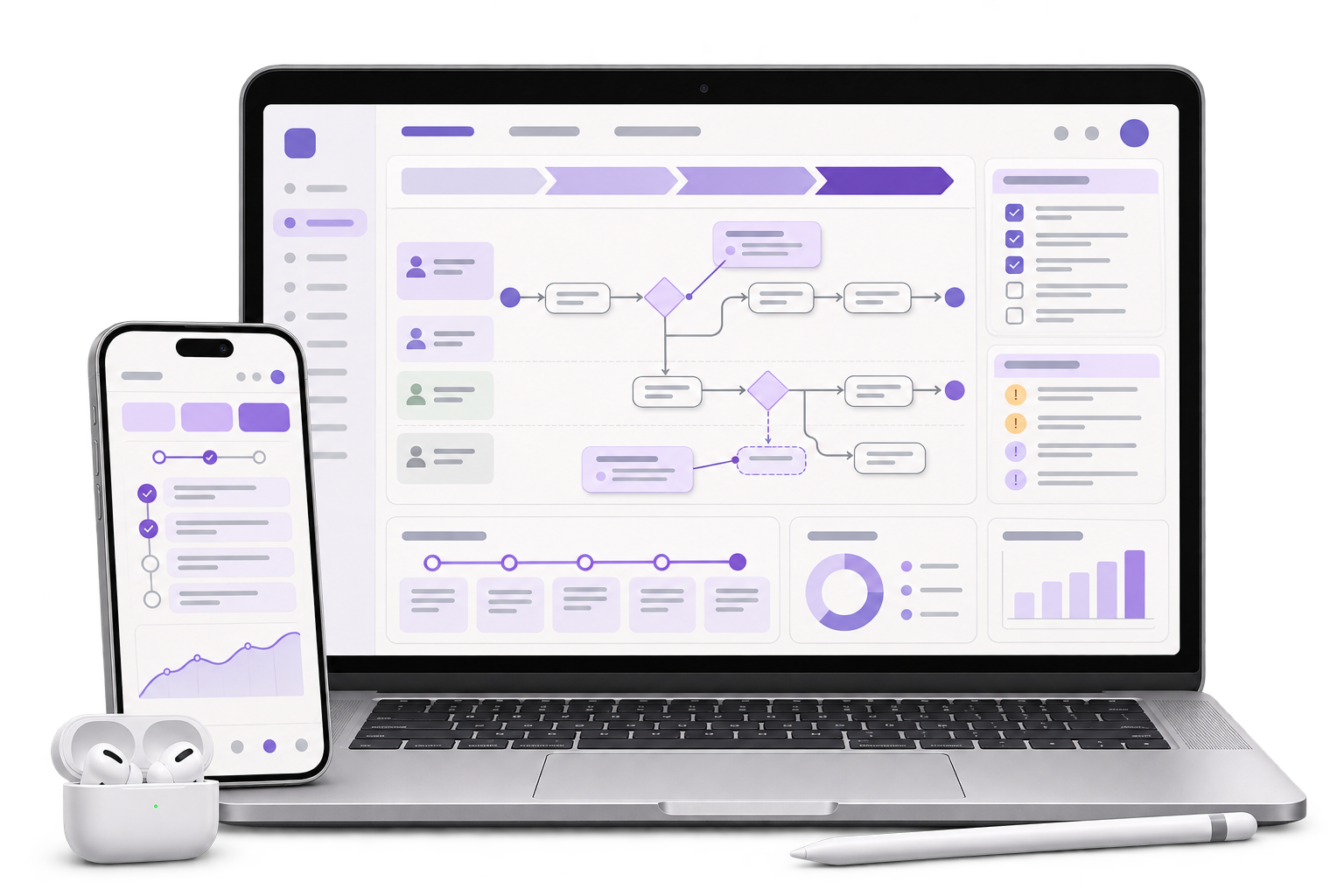
Build a short flow for selecting an invoice line, confirming its description, entering the quantity and adding a reference photo where the supplier needs one.

Give dealers a quick way to attach counter photos to the right invoice line. Let the supplier reconcile what arrives against what the dealer sent.
See a split return example
01 / What we build
Build a short flow for selecting an invoice line, confirming its description, entering the quantity and adding a reference photo where the supplier needs one.
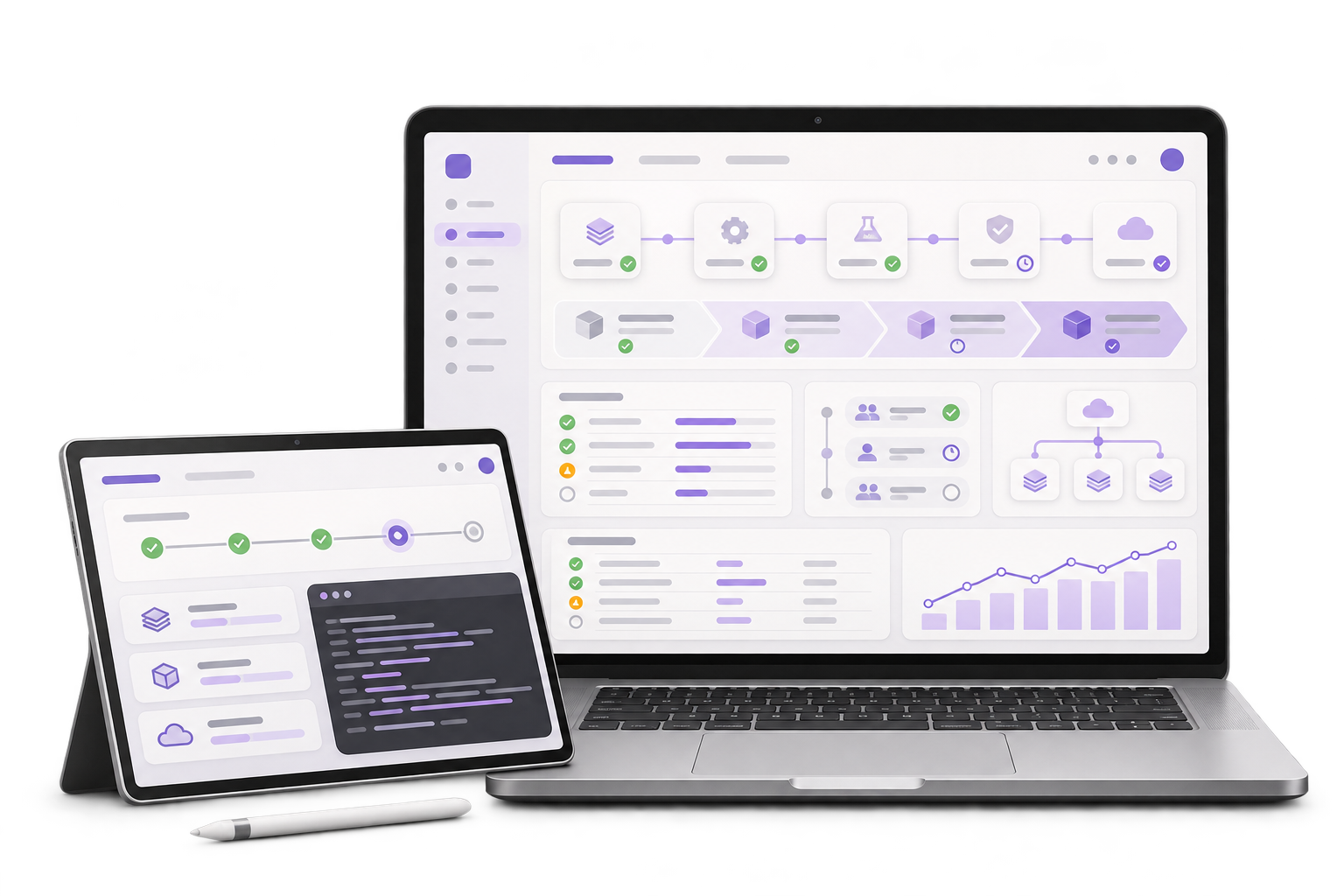
Show requested, received and outstanding quantities separately. Give the receiver a clear way to record a second receipt or refer a discrepancy to a reviewer.
Use stable source invoice and line references when a supported interface is available. Prepare the review outcome for the agreed supplier system, with a visible view of anything still pending.
City context, honestly stated
Tamil Nadu’s industrial promotion corporation identifies automotive and ancillary manufacturers at Oragadam near Chennai. This fictional example follows a supplier handling dealer returns for ordinary trim components. GreyBath delivers app development remotely.
A dealer sends back four trim clips from one invoice line and reports two missing fastener packs on another. The dealer photographs the carton label and confirms both references on the phone. Only the four clips go into the return carton. The missing packs stay on a separate shortage record.
The supplier depot receives three of the four claimed clips. The reviewer sees four requested, three received and one outstanding. A photo of the fourth clip submitted by the dealer is supporting evidence. The depot count stays at three until the remaining piece is received.
The supervisor reviews the three received clips and assigns a follow-up for the missing clip. When the final clip arrives on another delivery, staff add that receipt to the same line. The shortage record for the fastener packs keeps its own status.
Where it fits
Use one dealer return to test the information the counter can collect and the evidence each supplier role needs.
Select the original line and capture packaging evidence while the carton is still with the dealer.
Log what arrives by return reference even when the contents are split across deliveries.
See return and shortage evidence on separate records. Assign an owner when a received quantity still needs investigation.
Read the disposition recorded by the reviewer before considering any credit adjustment.
How we work
On the dealer phone, select the four clips as a return and two packs as a shortage. Ask a reviewer to identify what should be physically present in the carton.
Enter a depot receipt of three. Ask two staff members to find the outstanding unit and check that neither the carton nor the shortage disappears from its queue.
Receive the final clip on the same line and prepare the disposition for accounts. Verify that both receipt entries and the reviewer’s decision remain visible.
Start with one product family and one return reason. Keep inspection and credit decisions with the people already responsible for them.
Discuss your projectCheck whether dealers can search only their own invoices and what staff can do when an older invoice line is missing.
Agree which photos the supplier needs, where staff can see them, and the distinction between claimed, received and reviewed quantities.
Decide which system owns invoices, physical receipts and credit decisions. Test an export before scoping a direct integration.
The app can let the dealer reuse the invoice reference and enter each issue under its own line and reason. Test what each team should see afterwards.
Show the depot count separately and leave the balance visible for follow-up. The supplier decides how to investigate the difference.
Where the ERP provides stable line IDs, test a supported import or API for invoice lookup. Use a reviewed reference list if that is enough for the pilot.
The staff member responsible for review checks the photo against the agreed evidence and depot count. Their decision is recorded on the claim.
Bring one anonymised invoice, two fictional issues on different lines and one example of a carton arriving in more than one delivery.
Start with one disputed return