Course pages with prerequisite and equipment fields
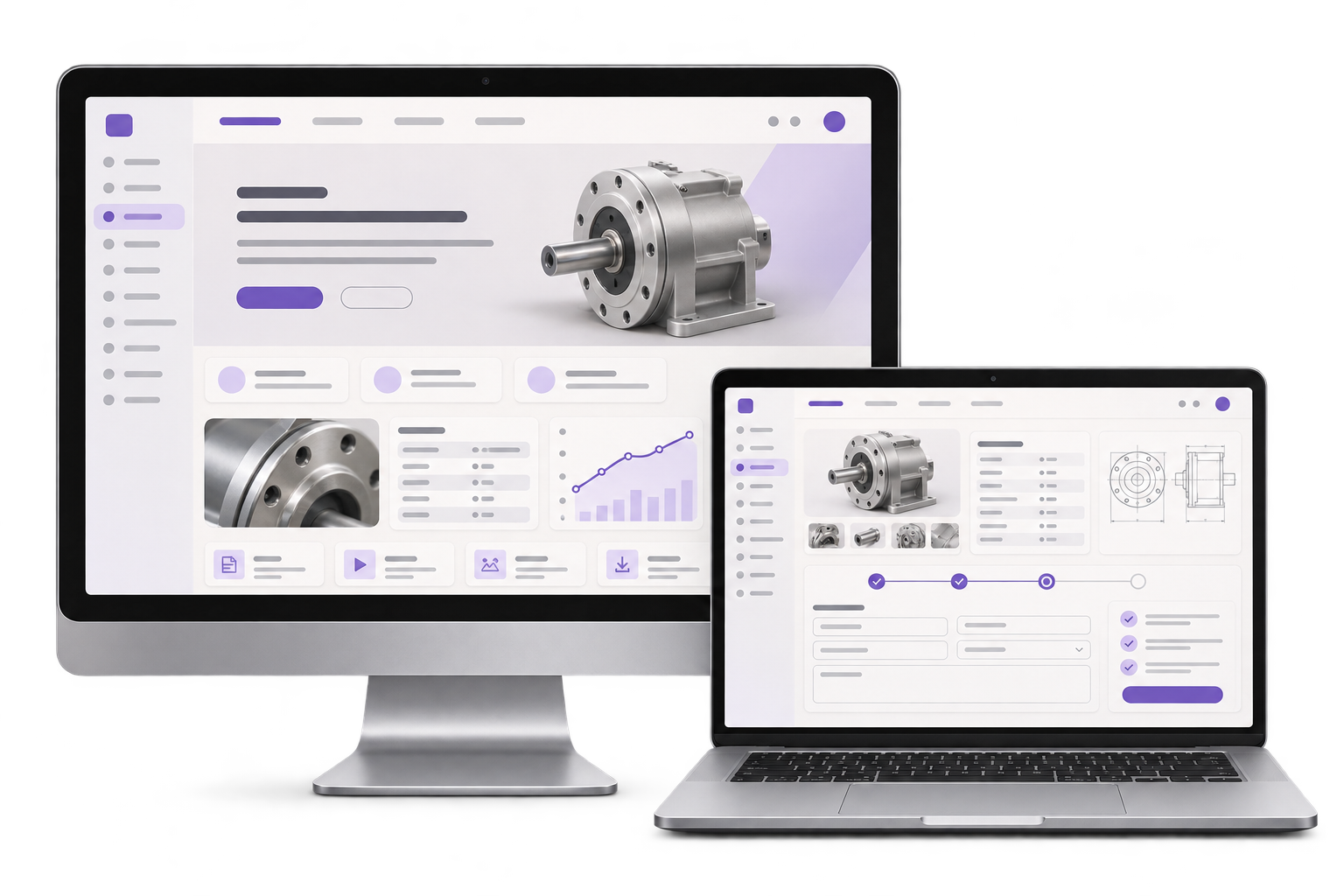
Give staff one place to update the course brief, format, equipment description and prerequisite wording. Carry the course reference into each cohort listing.

Show applicants what to check before they request a workshop date. Give employers one enquiry for a group whose training needs may differ.
See a four-learner example
01 / What we build
Give staff one place to update the course brief, format, equipment description and prerequisite wording. Carry the course reference into each cohort listing.
Let a coordinator give one team size, a preferred cohort and any prerequisite questions. Reuse those details when a learner or date needs a separate follow-up.
Send a clear summary to the training desk and show which part needs instructor input. Record the reply next to the original preferred and fallback dates.
City context, honestly stated
The Directorate General of Training documents industrial skills training at Bengaluru’s Government Tool Room and Training Centre. The fictional provider below illustrates one way to handle group enquiries for equipment-based training. GreyBath delivers website work remotely.
A workshop for a specific type of computer-controlled milling equipment assumes that a learner can read the dimensions on a basic engineering drawing. The fictional provider describes that prerequisite on the course page and gives an option to request instructor review. It publishes the equipment type and workshop format so an employer can explain what the team needs to practise.
An employer asks for four places in the afternoon cohort. Three learners have completed the provider’s drawing module. The fourth has workplace experience and asks the instructor whether it meets the prerequisite. The enquiry shows four requested places, one review question and a fallback date that all four learners could attend.
The training desk can offer three places in the preferred cohort, even if the instructor clears the fourth learner. A later date can fit the whole group. Staff reply against the same enquiry with the two options and mark the fourth learner’s review as pending. The employer can choose to split the group or wait until all four can take part.
Where it fits
Read the mobile course page as an employer and read the submitted brief as an instructor. Both should be able to identify the equipment, the cohort and the open question.
Keep the course requirements, audience and cohort dates clear enough for staff to explain them without rebuilding the site.
Request a whole team’s places together and tell staff which date works if the first cohort is full.
Review a learner’s reported experience against the provider’s actual prerequisite and record the decision.
Check current cohort space and send a reply that gives the employer a workable next step.
How we work
Ask a colleague to identify the equipment type, one prerequisite and the next cohort from the visible course content.
Choose a preferred and fallback date. Verify the enquiry identifies the fourth learner’s prerequisite question and retains the team size of four.
Record three available places on the preferred date and four on the fallback date. Check that the reply keeps the prerequisite decision in view and that staff can find the original request.
Pilot one practical course and its group enquiry. The provider owns prerequisites, equipment descriptions, dates, capacity and enrolment decisions.
Discuss your projectIdentify who checks prerequisite wording and who removes a cohort date from the site when the schedule changes.
Decide which group details are needed for an initial reply and which learner-specific details can be gathered during later enrolment.
Agree how staff check open places and record instructor answers. Identify what can be offered while an instructor review is open.
Yes. Keep course outcomes and prerequisites in one course record. Give each cohort its own date, format and enquiry reference.
Add a short option for instructor review alongside the prerequisite. Route the question to the provider’s actual decision-maker.
Yes. Ask for team size, a preferred cohort and a fallback date. The training desk can reply with the number of places it can offer for each option.
Use an acknowledgement that says the request has reached the training desk. Staff can confirm space and prerequisites before they complete enrolment.
Bring one course description, two invented cohort dates and an example of the prerequisite question you currently answer by phone.
Begin with one workshop and two cohort dates