Appointment and job-state model
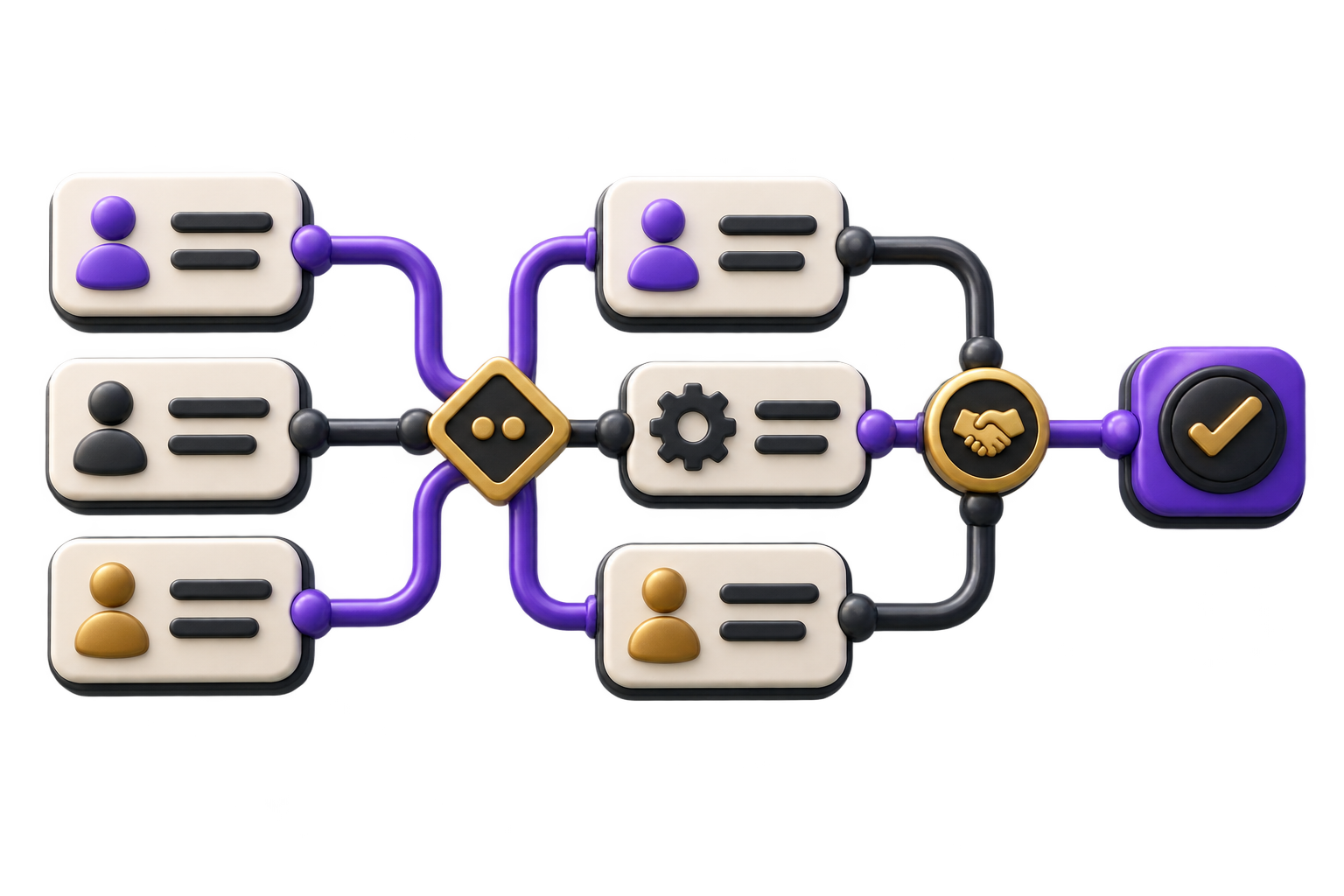
Map booking, confirmation, assignment, arrival, blocked work, follow-up and supervisor review. Specify who may change each state and what the customer can see.

GreyBath scopes after-sales mobile apps around the hand-offs between customer, coordinator, technician, stores and supervisor, so a visit record does not become an unreviewed claim that the job is complete.
Map the service visit workflow
01 / What we build
Map booking, confirmation, assignment, arrival, blocked work, follow-up and supervisor review. Specify who may change each state and what the customer can see.
Design and build the agreed device journeys for assigned jobs, customer contact, notes, consent-aware attachments and spare requests, including visible offline and retry states.
Provide the scoped review surface for rescheduling, missing evidence, spare approval hand-offs, unresolved work and supervisor closure, with a traceable change history.
City context, honestly stated
Ranchi district material describes engineering, trade and service activity. This page addresses an after-sales workflow relevant to equipment suppliers and maintenance businesses; it does not claim local clients, a Ranchi office or affiliation with any institution. Work is coordinated remotely through agreed reviews.
Keep the customer-approved time window, location instructions, contact preference and permission to enter separate from an internal tentative slot. Record who confirmed the visit and how changes reach the technician.
For a scoped offline mode, show which job notes, photos and spare requests are saved on the device, awaiting upload, rejected or confirmed by the server. A local checkmark must not imply that the office has received the record.
Capture equipment reference, observed issue, requested part and supporting evidence. Stock allocation, warranty eligibility, customer pricing and approval remain separate decisions owned by the authorised team.
02 / Where it fits
Start with one service category and a small set of representative jobs. A customer-facing app, technician app and office console are different product surfaces, not an assumed single-screen deliverable.
Connect installed-equipment references and reported issues to a visit, without treating an invoice or warranty claim as an automatically approved service entitlement.
See proposed versus confirmed slots, reassignment, unavailable customers, incomplete visits and follow-up ownership without reconstructing a message thread.
Keep the current approved job brief, job-linked evidence and unresolved tasks accessible, with controls that remain understandable on the agreed devices.
Review spare requests, allocation decisions and repeat visits while keeping material approval and technical closure responsibilities separate.
03 / How we work
Use redacted examples to trace confirmation, dispatch, field evidence, materials, review and follow-up. Include a no-access visit, repeat visit and work awaiting approval.
Prototype reassignment after download, an expired appointment, duplicate uploads, changed job details and a spare request that is declined. Agree the recovery behaviour before development.
Use an approved small-team rollout, check device and server records, review unresolved jobs and verify the closure trail. Expand only after owners accept the workflow and support process.
The proposal defines users, devices, permissions, appointment rules, offline boundaries, evidence retention, existing systems and review ownership. It does not promise first-visit resolution, attendance, repair quality or the safety of physical work.
Discuss your projectAgree Android or iOS, supported versions, shared-device rules, readable field controls, and any Hindi or other language requirements validated with actual users.
Decide which photos, signatures and location data are genuinely needed, what notice is shown, who can view them, how long they remain, and how device loss or a failed sync is handled.
Document the authoritative sources for job, customer, equipment and spare data, approval roles, integration failures and who may reopen or close a job.
Not necessarily. Appointment confirmation may use an existing approved communication channel while the first app supports technicians and coordinators. A separate customer app needs its own justified scope and maintenance plan.
An offline mode can be scoped for specific data and actions. Download freshness, access expiry, queued evidence, conflict handling, duplicate prevention and clear sync status must be designed and tested; offline access is not assumed for every integration.
Only if your approved rules explicitly allow it. We can separate field submission from supervisor review, customer acknowledgement and unresolved follow-up. The app cannot certify repair quality or replace a qualified safety decision.
Those actions require agreed system access and business authority. A request should not be presented as an allocation, price commitment or warranty approval. The interface can show a pending decision and its responsible owner.
Continuous tracking is not a default requirement. First establish the specific operational purpose and whether a less intrusive job event is enough. Any approved location feature needs an appropriate notice, access limits, retention and review.
Visit updates are scattered across calls and messages?