Specification-led product catalogues
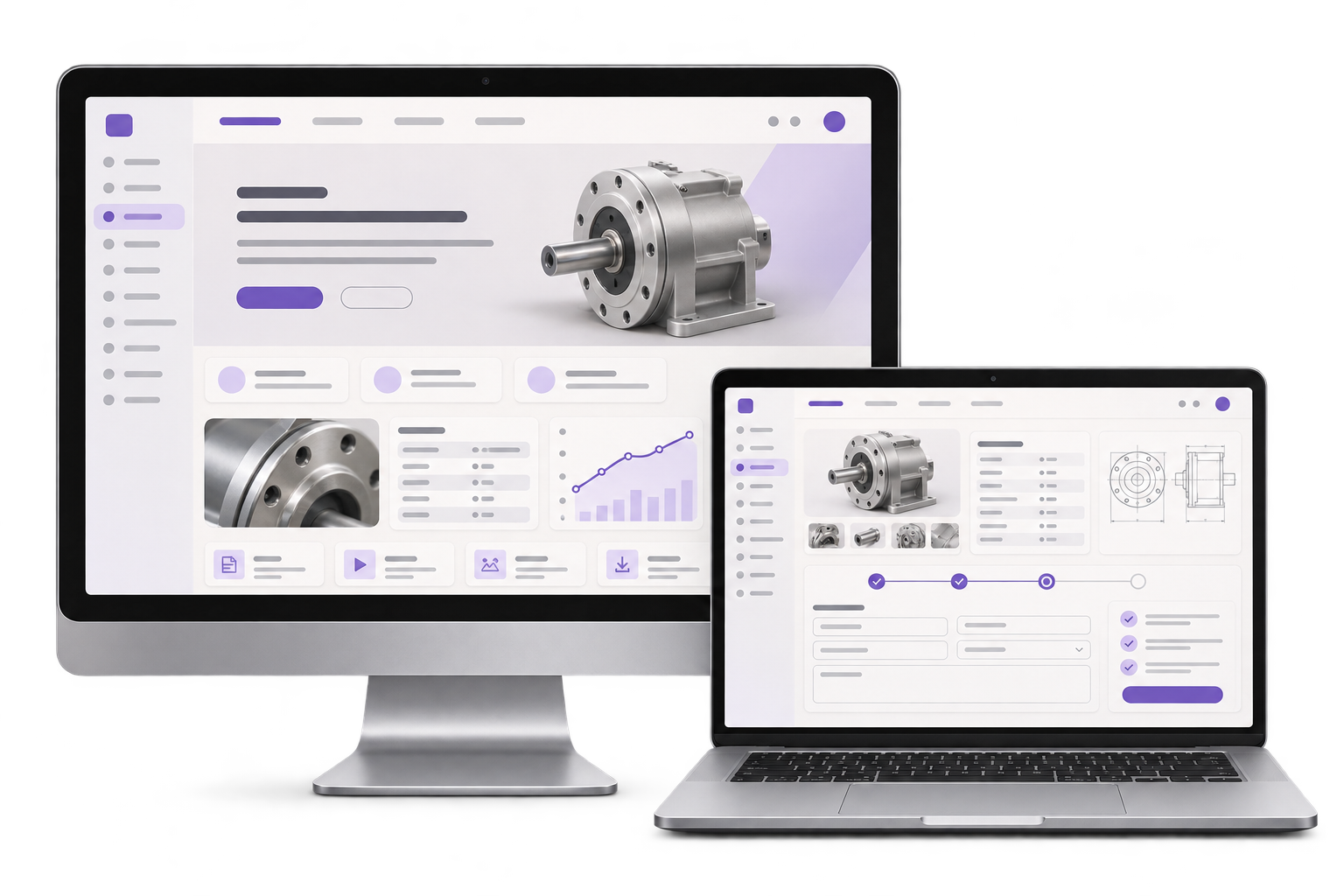
Organise product families by use, material and size. Connect each range to the approved datasheet and the applicable request form.

GreyBath designs industrial websites for Navi Mumbai manufacturers and suppliers. Help buyers find the correct material, grade or size, then send sales the details needed to quote.
See the catalogue and enquiry scope
01 / What we build
Organise product families by use, material and size. Connect each range to the approved datasheet and the applicable request form.
Carry the selected grade, size, quantity and destination into the enquiry. Route build-to-print work to an authorised estimator.
Define who approves new specifications, who replaces outdated PDFs and which old product URLs need a redirect.
City context, honestly stated
A Navi Mumbai fabricator in Rabale and a stockist in Turbhe may sell similar items while quoting on different terms. We review the product data and enquiry flow with your team remotely.
Use consistent units and show which material and size combinations your team is ready to quote.
Route standard items to inside sales and drawing-based work to the estimator who can check feasibility.
Suppose a Turbhe stockist sells a standard flange and also takes orders for custom hole patterns. A buyer asking for 40 standard flanges selects the grade and size from the public catalogue and enters a delivery postcode. Inside sales receives those fields and checks stock and lead time. A buyer with a custom pattern selects the drawing review route. The estimator receives the application and a restricted file reference. Check that each request reaches its owner and that the drawing stays out of the public catalogue and customer acknowledgement.
Where it fits
Start with the details an engineer or procurement manager needs to decide whether to request a quote.
Show supported processes, materials and dimensions. Collect only the technical files needed for an initial feasibility review.
Help buyers compare variants and find the applicable datasheet without downloading an entire catalogue.
Gather the item, order quantity and destination so sales can confirm stock, freight and lead time.
Group replacement parts by compatible model and ask buyers for the identifier needed to check fit.
How we work
Choose real variants, review the approved datasheet and define which fields the buyer needs to compare them.
Confirm that a stock request goes to sales and a build-to-print request goes to an authorised estimator.
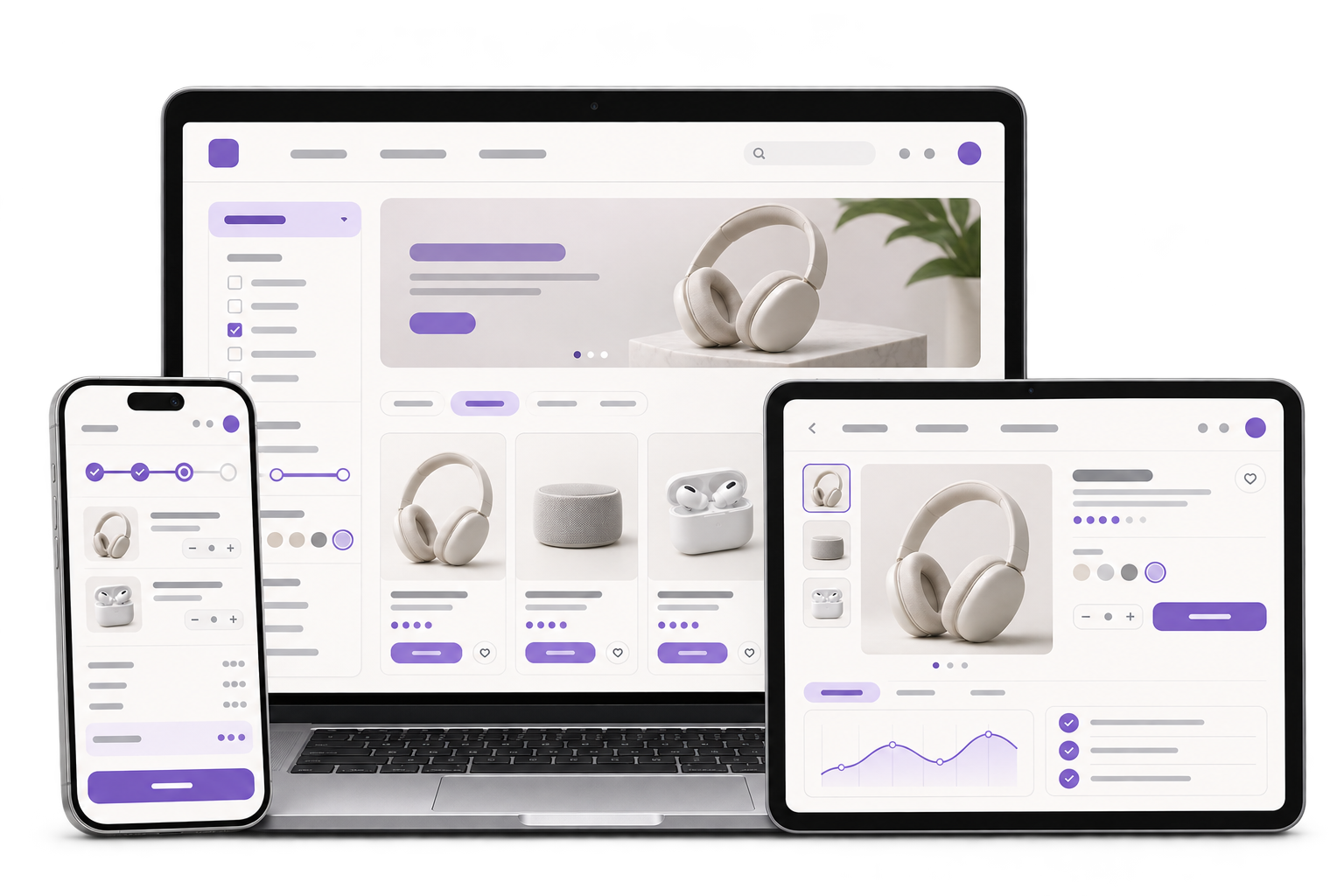
Select a grade and size on mobile, check the matching datasheet, then submit a test request with quantity and destination. Confirm the reference reaches the assigned estimator and that an unauthorised user cannot open the attached drawing.
The scope depends on catalogue structure, product data, document permissions, enquiry routes and any CRM connection. Your product team reviews specifications and technical documents before release.
Discuss your projectAgree the product fields, units, filters and files buyers need to make a technical comparison.
Decide when an attachment is needed, who can open it and how it is retained.
Identify who approves updates, how redirects are checked and what access is handed over.
Yes. A pilot family can validate the catalogue fields, editing process and quote routing before the rest of the range is added.
Yes, if the scope defines permitted file types and sizes, access, retention and where the estimator receives the request. A restricted upload or a separate agreed channel may suit sensitive files.
We agree an owner and approved version for each file, then test replacement, product links and any redirects needed for the prior URL.
If the CRM supports a suitable integration, we agree the fields, owner assignment, acknowledgements and what happens when delivery fails.
Through remote catalogue workshops, screen reviews and a launch checklist with your sales and product owners.
Are buyers sending incomplete requests?