Mobile product & journey definition
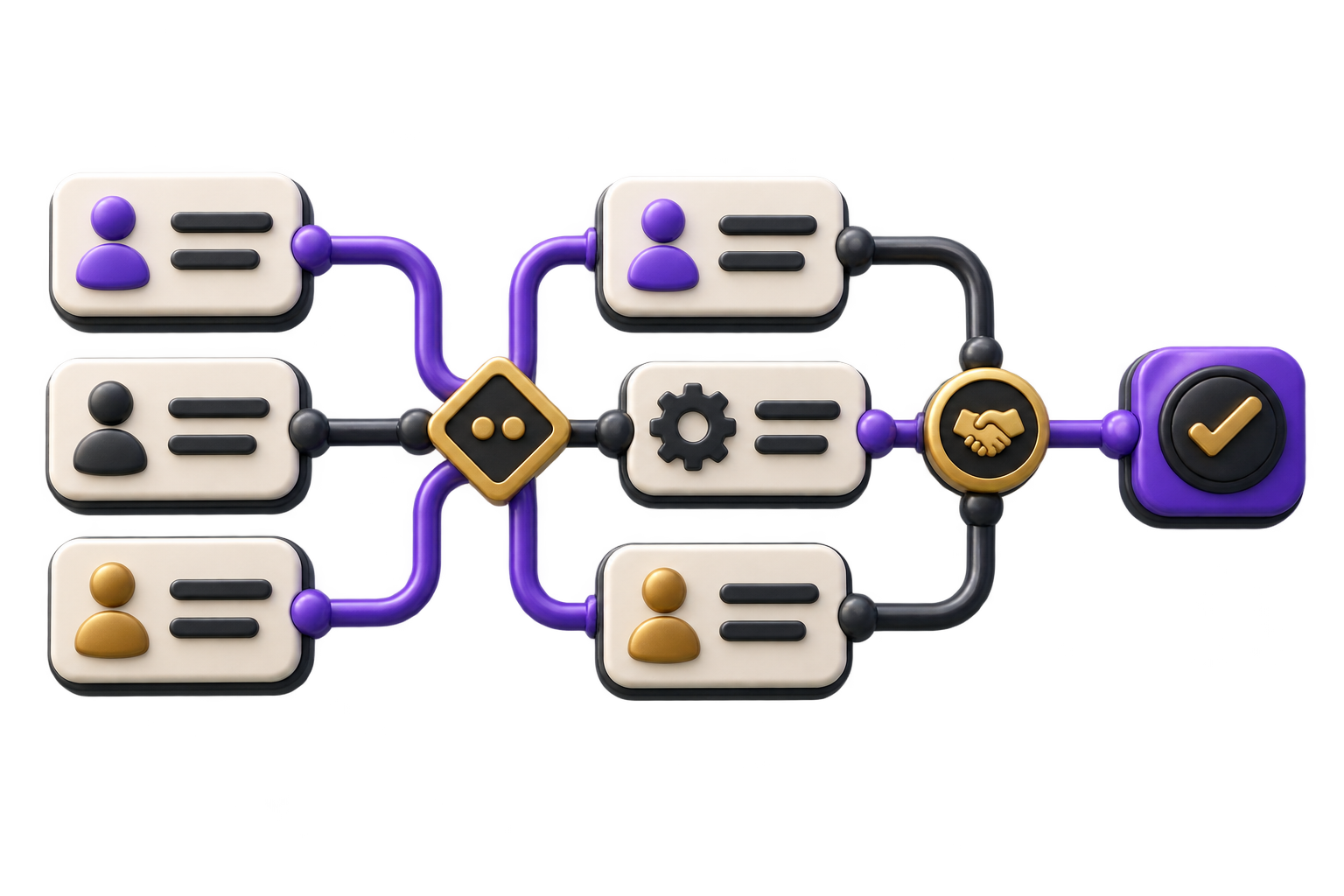
Prioritise users, devices, core jobs, permissions, data and the minimum release that can be meaningfully tested.

GreyBath helps Kochi teams decide what belongs in a mobile app, design the critical journeys and build a release path around real connectivity and operating constraints.
Explore the mobile app scope
01 / What we build
Prioritise users, devices, core jobs, permissions, data and the minimum release that can be meaningfully tested.
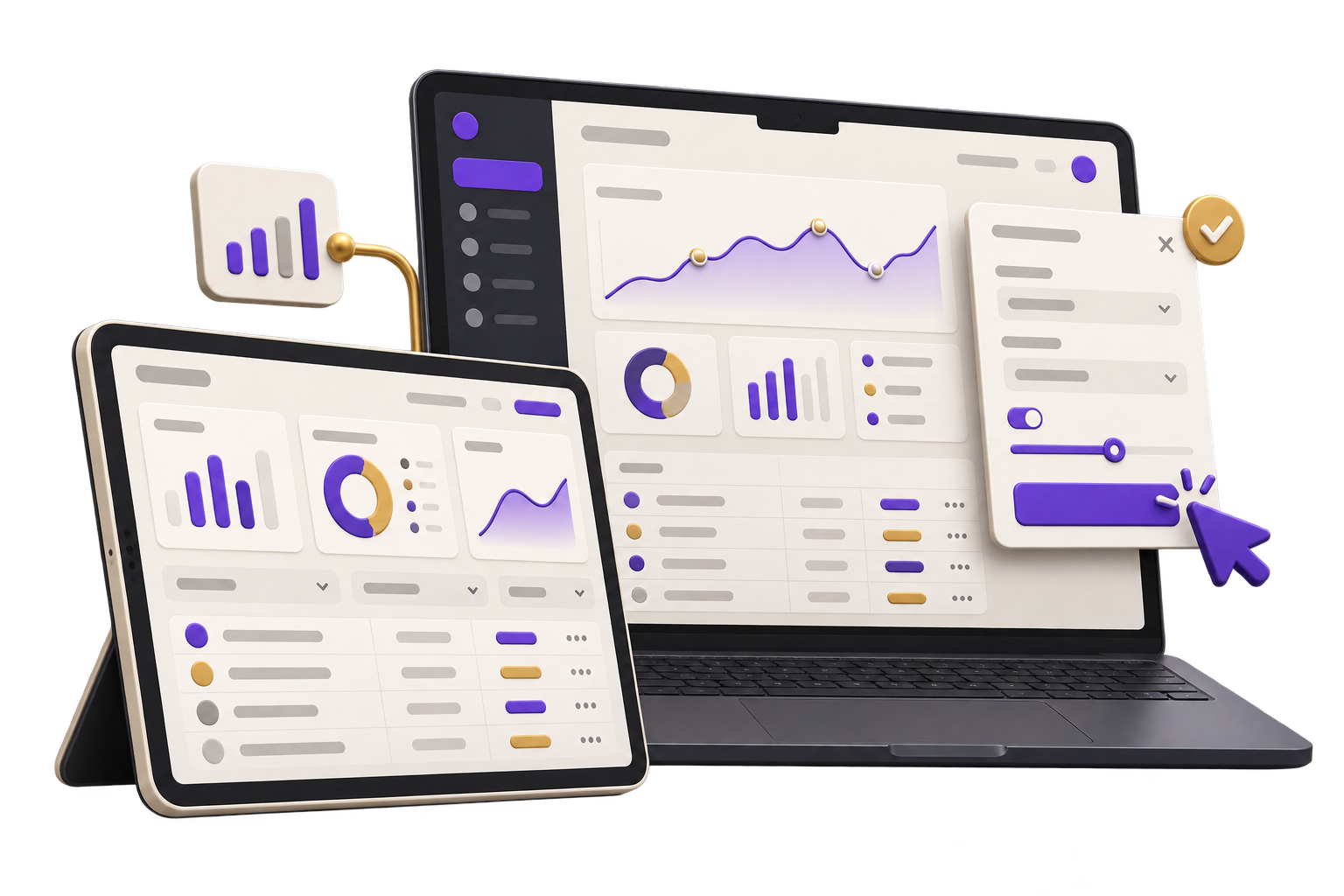
Design realistic iOS and Android states, navigation and device interactions before final build decisions.
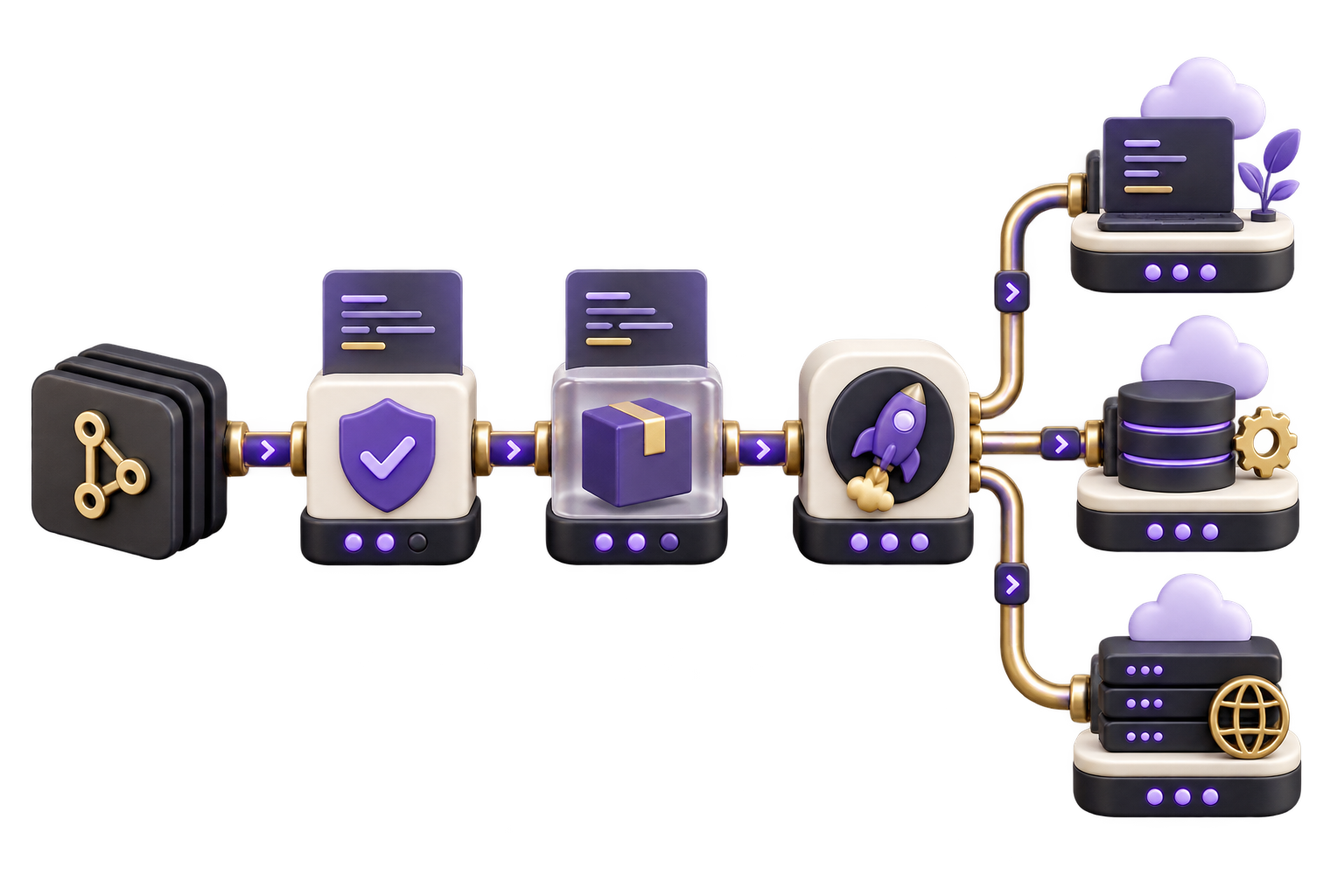
Connect agreed services, test failure cases and document repositories, signing, store accounts and post-release responsibility.
City context, honestly stated
We work remotely with Kochi teams through product calls, shared builds and review notes; GreyBath does not claim a Kochi office.
Define cached data, queued actions, conflict handling and user feedback for tasks that cannot assume a stable connection.
Agree camera, location, notifications, storage and sign-in behaviour before implementation.
Localisation can be scoped for validated users, with approved product language and a maintainable content process.
02 / Where it fits
A mobile app is useful when the phone enables a distinct task, not simply because an existing website can be placed inside an app shell.
Capture assignments, evidence, signatures, stock or completion status at the point of work.
Support bookings, account actions, documents, alerts and requests that benefit from repeat access.
Connect discovery, saved preferences, orders and service updates to an accountable backend.
Provide focused mobile access to approvals, queues or records without exposing the entire desktop system.
03 / How we work
Confirm the user, context and device capability that justify an app rather than a responsive web flow.
Review realistic journeys, permissions, offline behaviour and API assumptions before committing the full build.
Implement the agreed scope, test supported devices and failure paths, then complete controlled store and ownership handover.
Platforms, user roles, offline needs, APIs, device capabilities, store accounts and release ownership determine the project. Usage fees and ongoing support are separate.
Discuss your projectThe jobs, devices, iOS and Android coverage, native capabilities and accessibility requirements.
APIs, authentication, notifications, analytics, offline rules and third-party services needed.
Testing devices, store ownership, privacy inputs, monitoring, updates and incident responsibility.
The answer depends on device capabilities, performance, team skills, update needs and budget. We document the trade-off before selecting an approach.
Selected tasks can be designed for offline use, but cached data, sync conflicts, security and recovery rules must be explicit. Offline is not an automatic whole-app mode.
Client-controlled store accounts are normally preferred. The proposal records signing access, listing content, review responsibility and future update ownership.
Yes, when validated audience needs justify it. Translation approval, layout testing and future content maintenance are included in the agreed scope.
If the need is occasional, offers no device-specific advantage or can be met by a well-designed web flow, a mobile app may add cost without enough user value.
A mobile workflow to validate?