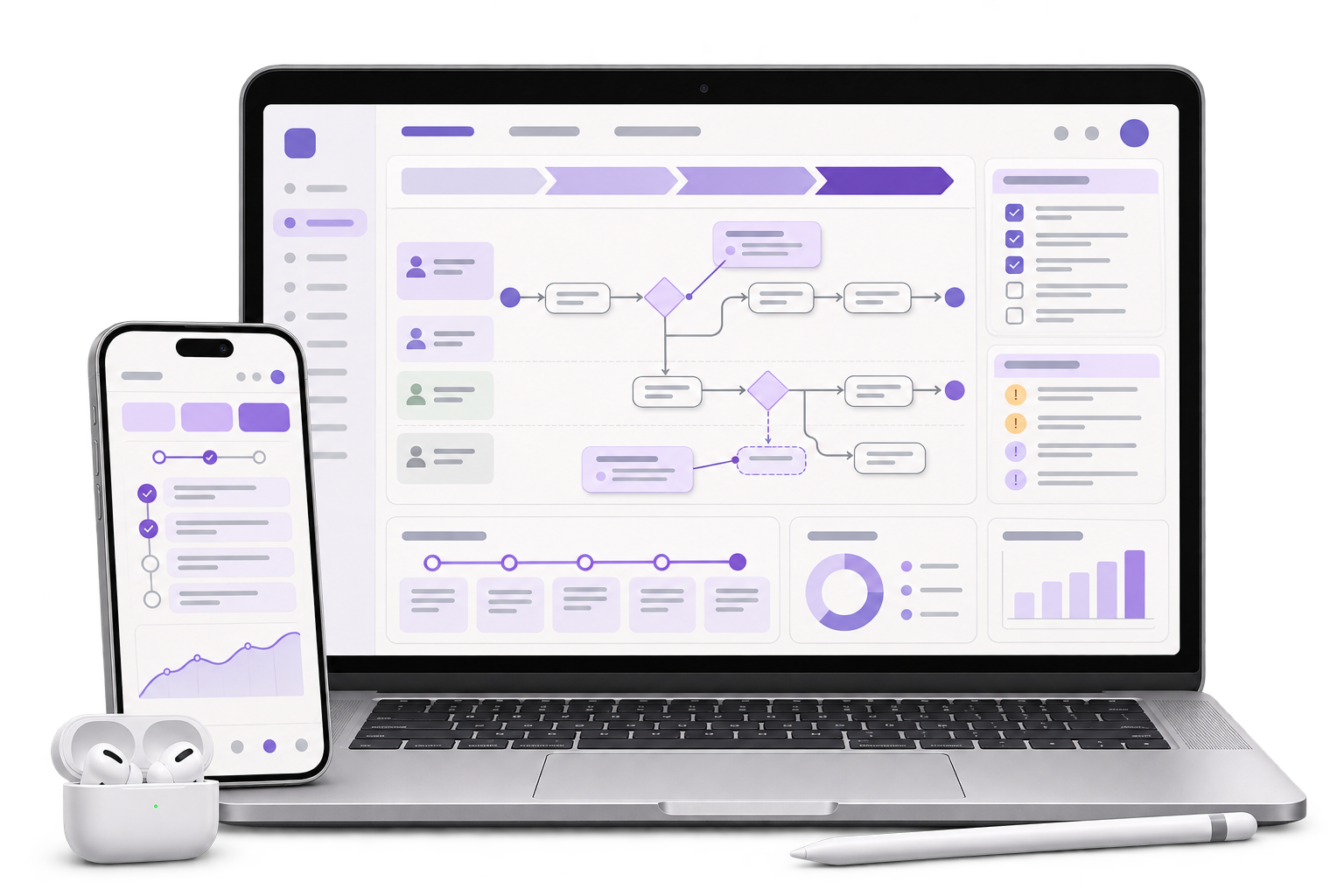
Split-arrival enquiry map
Map each party’s dates and room count to the nightly total. Identify the minimum information the desk needs at enquiry and when it may ask for additional details.

A group organiser may need rooms for one party on Friday and a second party on Saturday. GreyBath designs request and offer screens that show how many rooms are needed each night, what the property can offer and what the organiser has accepted.
Explore the split-arrival request flow
01 / What we build
Map each party’s dates and room count to the nightly total. Identify the minimum information the desk needs at enquiry and when it may ask for additional details.
Prototype the organiser review, response and later change. Give the desk an explicit way to record what it can offer and show which version the organiser acted on.
Specify grouped date and room fields, meaningful error messages, keyboard focus and status text. Write the labels that distinguish a request, a partial offer and a confirmed stay.
City context, honestly stated
Gaya district lists Vishnupad Temple in Gaya and Mahabodhi Temple in Bodh Gaya as distinct pilgrimage sites. The brief follows a fictional accommodation desk receiving a group stay request with separate arrivals. GreyBath delivers the design remotely. The property owns its availability, offer and booking policies.
In an example request, Party A needs four rooms on Friday and Saturday and Party B needs two rooms on Saturday only. One room-night is one room for one night. The request adds up to ten room-nights and peaks at six rooms on Saturday. Use a per-night breakdown next to the total so the organiser and property can review the dates and counts.
The fictional desk offers four rooms on Friday and five on Saturday. Show the nine offered room-nights alongside the ten requested and describe the gap in words. If the property permits partial acceptance, ask the organiser to review exactly what the offer covers and decide whether to accept it, request changes or decline. If the organiser accepts, show the offer as awaiting confirmation until the property completes its booking step.
After a partial offer is accepted and confirmed, Party A asks to move the arrival to Saturday. Preview the revised Friday and Saturday requirements, including the rooms the organiser is asking to release. Keep the earlier confirmation visible while the property reviews the revision. When an authorised person confirms a change, show its effect on the booked nights and the remaining gap.
Where it fits
A paper request and a sample offer can reveal where the organiser and property understand the same dates differently. Test those decisions before deciding whether a new form or an existing booking system can support them.
Decide when rooms are offered, held, confirmed or released.
Review nightly demand and record what the property can offer.
Check arrival dates, compare offered rooms and see what still needs a decision.
Implement the agreed form behaviour, states and accessibility details.
How we work
Use two fictional parties with different arrivals. Ask staff and an organiser to count the needed rooms for Friday and Saturday from the same sample.
Show the partial offer and ask the organiser to find the Saturday gap, explain what would be accepted and return to edit a date. Test that sequence with keyboard controls as well.
Check how the property responds after an offer expires. Then change a date on a confirmed example and verify that the original confirmation and pending revision can both be found.
The design scope covers the enquiry, offer, response and change screens for an agreed property policy. The property provides availability and approves the wording. Review payment, identity collection, messaging and booking system integration as separate work if they are needed.
Discuss your projectAgree how check-in and check-out dates map to nights. Decide when room types and occupancy details affect the counts the organiser sees.
Confirm whether the property accepts partial requests, who can hold inventory and what happens when an offer expires before a response.
Choose which languages to test. Use text labels alongside any status colour, put errors near the affected fields and check that a keyboard user can add a party and review the resulting totals.
The total gives the volume across the stay. The nightly breakdown tells the property whether the request fits the rooms it can offer on each night.
Use an offer state to show what the property is proposing. Show the stay as confirmed when the property’s agreed booking step has been completed.
Show the requested change and its impact on nightly counts alongside the existing confirmation. Tell the organiser who reviews it and when a revised confirmation will appear.
Yes. State that the form sends a request for review, and design a desk response that explains any offer or gap before asking the organiser to make a decision.
Bring fictional party counts, check-in and check-out dates, a partial offer and the role that can confirm rooms. Invented party labels are enough for the prototype.
The property can offer five rooms on Saturday. The group asked for six.