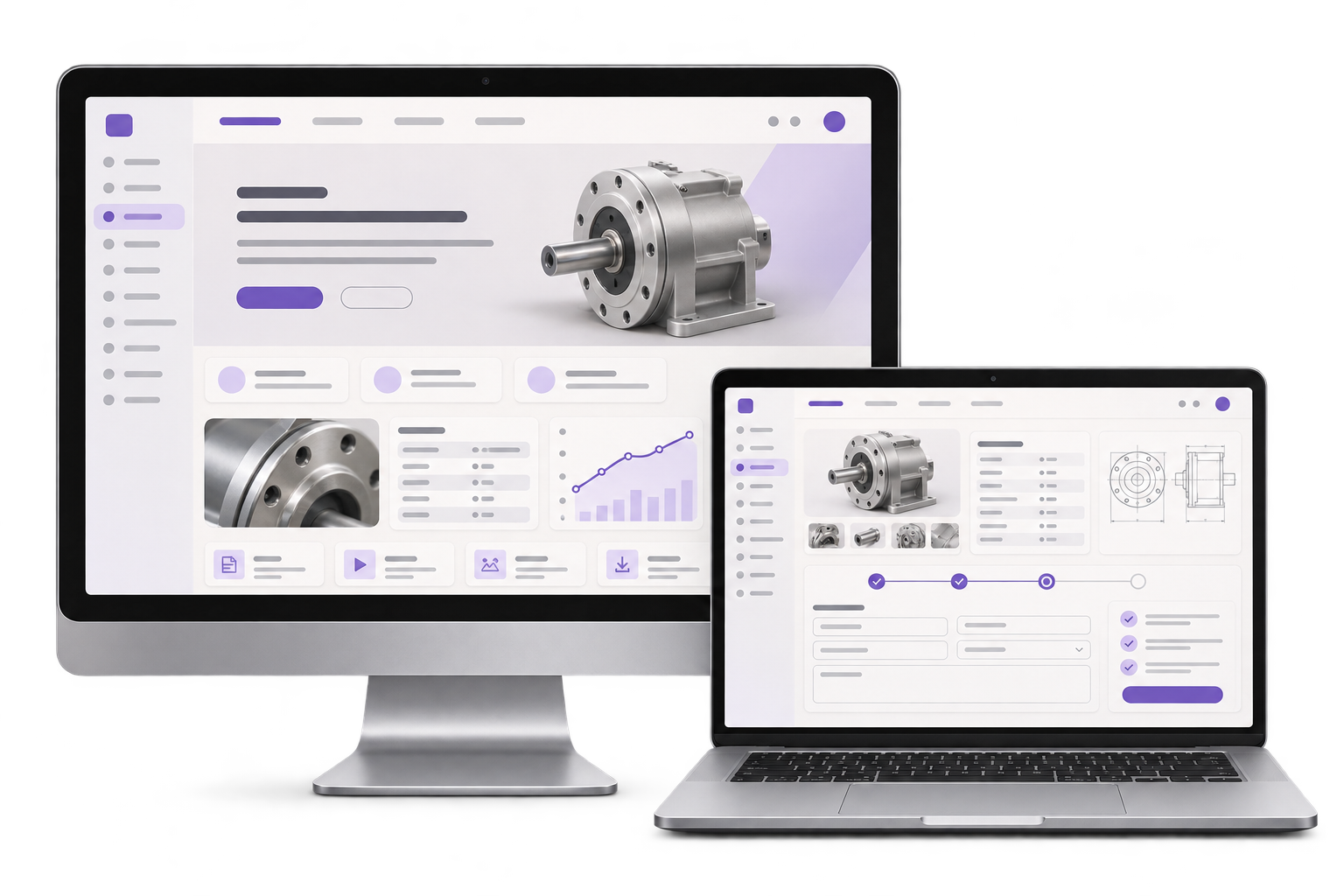
Equipment family and spares pages
Show approved model families, where to find a model or serial number and which details the spares team needs to confirm a replacement. Keep product history findable for existing customers.

Give maintenance teams and project buyers a clear route into your equipment catalogue. GreyBath designs industrial websites that help an existing customer identify a replacement while giving a new buyer a way to describe the application before selecting a model.
Explore what we build
01 / What we build
Show approved model families, where to find a model or serial number and which details the spares team needs to confirm a replacement. Keep product history findable for existing customers.
Collect the operating details that determine selection, such as flow, head and liquid where relevant. Let buyers mark unknown fields and explain what technical review will ask them to confirm.
Give each request a reference and send it to the agreed spares or application owner. Include the buyer's original inputs and a way to request the missing details.
City context, honestly stated
The Gujarat Industrial Development Corporation lists Vatva, Naroda and Odhav among Ahmedabad's industrial estates. An equipment supplier serving these areas may receive both urgent replacement requests and longer project enquiries. GreyBath scopes the public catalogue and enquiry routing with your sales and technical teams through remote reviews. GreyBath delivers through remote workshops, reviews and handover.
A fictional Ahmedabad pump supplier receives two requests in the same morning. A maintenance supervisor has a worn nameplate and needs a replacement for an existing line. The website lets them enter the readable model characters, installation location and planned shutdown date and ask the spares team to confirm the match. A project engineer has no model number and describes a new water transfer duty. The application enquiry collects flow, head, liquid and operating conditions for technical review. When head is missing, the request stays open for clarification. The pilot passes if each enquiry reaches the correct owner and buyers can see their reference without receiving an automatic claim of compatibility or suitability.
Where it fits
Include the people who use, review and maintain the workflow in the scope discussion.
Help maintenance teams find the family or nameplate information needed to check a replacement, even when a full model number is unavailable.
Collect enough operating information for technical review and give buyers a clear next step when their requirements are still incomplete.
How we work
Review one replacement request and one new application. Identify the fields that would help each reviewer decide what to ask next.
Prototype the public model information and both enquiry paths. Check that a buyer can continue with a partial model number or an unknown duty value.
Submit a worn-nameplate example and an application with missing head data. Confirm that both receive references, reach the right owners and remain open for clarification.
Agree the first workflow, delivery responsibilities and launch checks.
Discuss your projectDecide which model identifiers, discontinued families, approved documentation and related products your team can maintain. Confirm which matches need a human check.
Agree what belongs in spares, what needs application review, who handles unclassified requests and what an acknowledgement can safely promise.
Yes. For a replacement, ask for the identifiers the buyer can read and enough installation context to support review. For a new application, start with the operating conditions your team needs to select a model.
The first release can collect the identifiers and route the request to your spares team. Automated matching is a separate scope that needs a dependable compatibility dataset, an owner and acceptance tests.
If your system supports the exchange, define which fields it receives and how it stores the enquiry reference. Confirm what happens when routing or delivery fails before enabling the integration.
Start with one workflow